
Is Software Recovery Safe for a Karaoke Drive After Power Loss?
Published 2026-09-13 | JiWang Data Recovery Technical Team
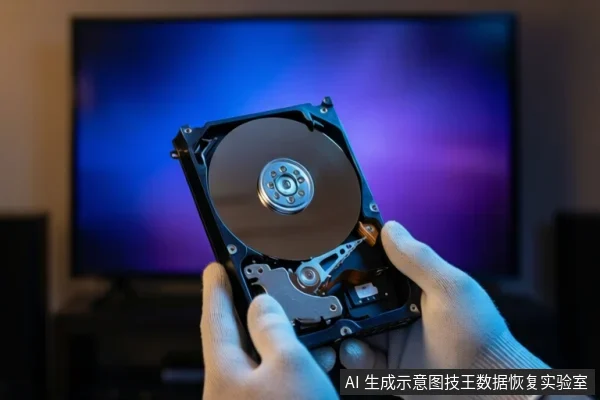
Attempting software recovery is only safe if the drive is physically stable and recognized by the BIOS/UEFI without abnormal noises. If the drive is unrecognized, making clicking/grinding sounds, or overheating, you must stop immediately and seek professional help, as software scans can exacerbate physical damage.
Diagnosing the Failure: Logical vs. Physical
The safety of using data recovery software depends entirely on whether the failure is logical or physical. Karaoke machines often run drives under high load and heat, which increases the risk of physical degradation compared to standard desktop drives. A sudden power outage can interrupt write operations, causing file system corruption (logical failure), or it can prevent heads from parking properly, leading to mechanical damage (physical failure).
Scenario 1: Logical Failure (Safe for Software)
If the drive is recognized in BIOS, shows its capacity in Disk Management, but has no drive letter or shows as RAW, this is likely a logical failure. In this case, the hardware is likely intact, and the issue is file system corruption. Software recovery is generally safe if the drive is stable. Use read-only data recovery software or create a disk image. Do not format or initialize the drive, as this overwrites metadata and makes recovery significantly harder.
Scenario 2: Physical Failure (Unsafe for Software)
If the drive is not recognized in BIOS, or is recognized but fails to spin up properly, this indicates a physical failure such as firmware, PCB, or mechanical head issues. Software recovery is unsafe and ineffective because it cannot repair physical components. Stop all power attempts and contact a professional data recovery lab. Continuing to power on a physically damaged drive can cause head crashes or platter damage, leading to permanent data loss.
Critical Stop Conditions
During any recovery attempt, monitor the drive closely. If you observe any of the following, stop immediately:
- Abnormal Sounds: Clicking, grinding, or repetitive beeping indicates mechanical failure.
- Heat: The drive becomes excessively hot during connection.
- Instability: The drive repeatedly disconnects or shows unstable read errors.
- Visual Damage: Visible physical damage or burnt components on the PCB.
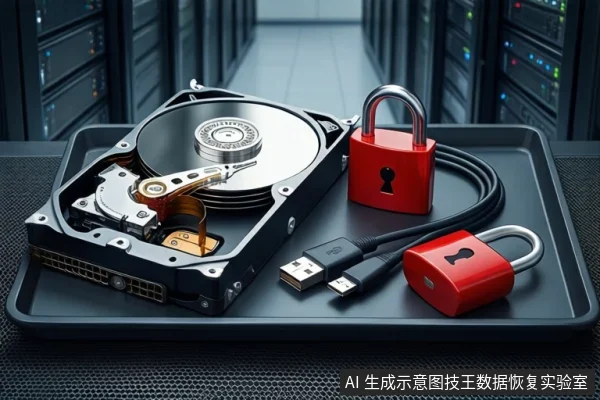
If any of these conditions occur, disconnect power immediately. Do not attempt to power on again. Seek professional cleanroom service if mechanical damage is suspected.
Why Karaoke Machine Drives Are More Vulnerable
Karaoke machines typically use embedded systems with drives running under continuous high load for reading song libraries and lyrics. This sustained activity generates more heat and wear than typical office or home use. Additionally, these systems may not have robust power management, making them more susceptible to damage from sudden power cuts. If the drive was spinning when the power cut, the heads may not have parked, increasing the risk of mechanical damage upon restart.
Frequently Asked Questions
Is it safe to run a deep scan if the drive is recognized but slow?
Only if the slowness is consistent and not accompanied by errors or noises. If the drive stalls, disconnects, or makes sounds, stop immediately as this indicates physical instability.
Why did my karaoke machine drive fail after a power cut?
Sudden power loss can interrupt write operations, causing file system corruption. If the drive was spinning, the heads may not have parked, leading to mechanical damage upon restart.
Should I try to format the drive to make it work again?
No. Formatting overwrites the file system metadata and partition table, making data recovery significantly harder or impossible. Always attempt recovery before any write operations.