
Bad Sector Error: Is Remote Data Recovery Safe?
Published 2026-10-27 | JiWang Data Recovery Technical Team
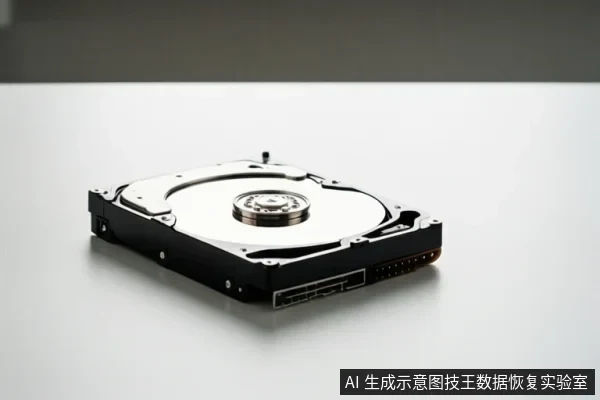
Remote data recovery is viable only for logical bad sectors where the drive remains stably recognized by the operating system. For physical bad sectors, remote recovery is ineffective and risky; professional offline service is required to prevent further data loss.
Definition of Bad Sectors
Bad sectors are areas on a storage medium that cannot reliably read or write data. They are categorized into two distinct types that dictate the recovery approach:
- Logical Bad Sectors: Caused by software errors, power interruptions, or file system corruption. The physical media is intact, but the data index is damaged. These are often recoverable via software tools.
- Physical Bad Sectors: Caused by hardware wear, head damage, or platter scratches. This is irreversible physical damage. Software tools cannot fix the hardware and may worsen the condition.
Feasibility of Remote Recovery
Remote recovery relies on the drive being accessible and stable over a network connection. It is suitable for logical failures, such as accidental deletion or partition table errors, where the drive is recognized and readable. In these cases, engineers can guide the use of read-only imaging tools to extract data without modifying the original media.
However, remote recovery is not feasible for physical bad sectors. These failures require specialized hardware, such as cleanroom environments and professional cloning devices, to bypass damaged areas. Remote tools lack the capability to interact with the physical components of the drive, making them ineffective for hardware-level issues.
Risks of Remote Operations
Attempting remote recovery on a drive with physical bad sectors carries significant risks. Operating a drive with physical damage without professional assessment risks further degradation of the storage media. Additionally, remote operations may involve data transfer over the internet, which introduces potential security risks if the service provider is not reputable. There is also a risk of accidental data overwriting if the user or engineer executes a write command during the process.
When to Choose Offline Service
You should choose offline professional service if the drive exhibits any of the following symptoms:
- The drive makes clicking, grinding, or grinding noises.
- The drive is not recognized in BIOS/UEFI or shows as 0 bytes.
- The drive is physically damaged, such as from a drop or water exposure.
- The drive is part of a RAID or NAS array, which requires specialized reconstruction tools.
In these cases, immediate disconnection and professional assessment are necessary to preserve data integrity.
Stop Conditions
If the drive makes clicking or grinding noises, stop all power cycles immediately.
If the drive is unrecognized in BIOS/UEFI, do not attempt remote software scans.
Frequently Asked Questions
Can remote recovery fix physical bad sectors?
No, physical bad sectors require specialized hardware and cleanroom environments that remote tools cannot provide. Attempting remote recovery on physically damaged drives can lead to permanent data loss.
Is it safe to let a remote engineer access my drive?
It carries risks of data leakage or accidental overwriting. Only use reputable services with strict data security protocols, or prefer offline service for critical data. Ensure the engineer uses read-only tools to prevent data modification.
What should I do if I see a 'bad sector' error?
Stop all write operations immediately. Do not format or run repair tools. Consult a professional to assess whether the issue is logical or physical before taking any further action.