
B590 Not Readable: How to Prevent Further Data Loss
Published 2026-10-14 | JiWang Data Recovery Technical Team
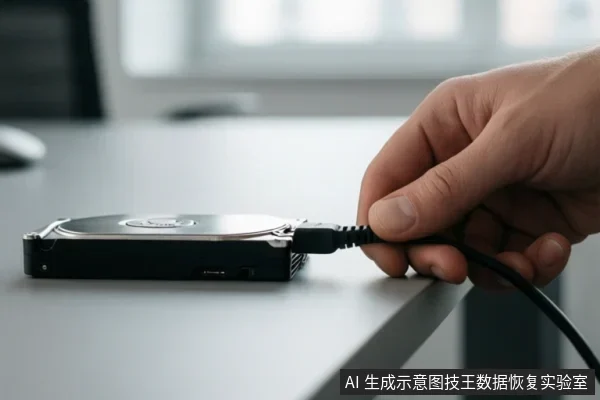
When a B590 device is not readable, the immediate priority is to stop all write operations and avoid power cycling to prevent potential data loss. Verify the connection status and check for existing backups. Do not attempt to format, initialize, or write recovery results back to the original media until data safety is confirmed.
Immediate Safety Actions
The first step in preserving data on a non-readable B590 device is to halt any activity that could modify the storage medium. This includes stopping any ongoing file transfers, closing applications that might access the drive, and ensuring the operating system does not attempt to auto-repair the volume. If the device is currently connected, observe its behavior carefully. If you hear clicking, grinding, or repetitive spinning noises, disconnect the power immediately. These sounds may indicate underlying hardware issues, and continued power application can potentially exacerbate the condition. If the device is completely silent and unresponsive after checking cables, it may be experiencing a power or controller issue. In this case, avoid repeated plug-and-unplug attempts, as electrical surges or unstable power delivery can further stress the hardware.
Safe Troubleshooting Steps
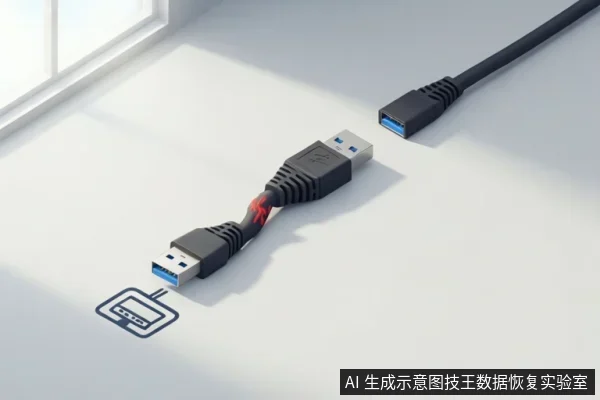
Once the device is powered down and isolated, you can perform low-risk checks to rule out connection issues. Start by inspecting the USB or data cable for visible damage. Replace it with a known-good cable if possible. Connect the device to a different port, preferably one directly on the computer’s motherboard rather than a front-panel hub or USB extension, to ensure stable power delivery. If the device is an external hard drive, try connecting it to a different computer to see if the issue persists. This helps determine if the problem is related to the host system’s drivers or ports. If the device is recognized by the operating system but shows as 'RAW' or unformatted, do not proceed with any software-based repairs. Instead, note the exact error messages and device identifiers for professional assessment.
Destructive Actions to Avoid
Several common user actions can irreversibly damage data on a non-readable B590 device. Formatting the drive, even if prompted by the operating system, will erase the file system structure and make recovery significantly more difficult. Running disk repair tools may perform write operations that alter the file system structure, which is generally risky when the underlying issue is unknown or severe. Additionally, attempting to copy files from the device while it is unstable can cause the system to write error logs or temporary files, which may overwrite existing data. Avoid using any software that claims to 'fix' or 'optimize' the drive, as these tools often perform write operations that are incompatible with a damaged medium.
When to Stop and Seek Professional Help
If the B590 device makes abnormal sounds, is completely unresponsive, or is recognized as RAW, it is time to stop DIY attempts and seek professional help. These symptoms suggest that the issue may be beyond the scope of safe user-level troubleshooting. Professional data recovery services can assess the device in a controlled environment, using specialized tools to determine the root cause and the best course of action. Remember, the goal is to preserve the data, not to force the device to work. If you are unsure about the next step, it is always safer to pause and consult with a professional rather than risk further data loss.
Frequently Asked Questions
Is it safe to run disk repair tools like chkdsk on a B590 that is not readable?
No. If the device is unstable or making noises, do not run repair tools. Instead, stop all activity and seek professional assessment to prevent further alteration of the storage medium.
What should I do if the B590 makes clicking sounds?
Immediately disconnect power. Do not attempt to restart it. Contact a professional data recovery service for assessment, as continued power application can worsen physical damage.
Can I recover data if the B590 is recognized as RAW?
Possibly, but do not format it. RAW status indicates file system corruption. Use read-only recovery software if the device is stable, or seek professional help if the device is unstable or makes noises.