
Is Data Recovery Worth It? Assessing Value and Risk
Published 2026-09-09 | JiWang Data Recovery Technical Team
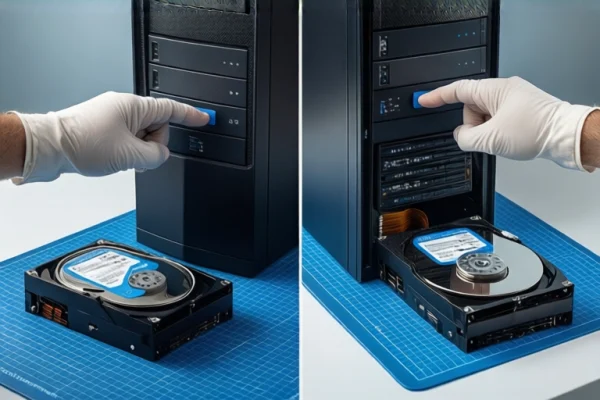
Is Data Recovery Worth It?
Data recovery is worth pursuing if the storage medium's physical integrity is intact and the data is theoretically extractable. The core decision factor is whether the failure is logical (software/file system) or physical (hardware). If the device is recognized and stable, software-based recovery is often cost-effective. If physical damage is suspected, professional intervention is required, and the cost must be weighed against the data's value. The most critical immediate action to preserve recovery value is to stop all write operations to the affected device.
Critical Immediate Actions: Stop Writing
Before attempting any recovery, you must halt all write operations. Any data written to the original medium—whether by saving files, installing software, or even system temporary caches—can permanently overwrite lost data. For mechanical hard drives (HDDs), overwritten binary information is unrecoverable. For solid-state drives (SSDs), TRIM commands and garbage collection mechanisms actively clear invalid data blocks, significantly reducing the recovery window. To protect your data, disconnect the device or ensure it is mounted in read-only mode if possible. Creating a disk image (a bit-by-bit copy) on a healthy drive is the standard professional step to isolate the original medium from further risk.
Distinguishing Logical vs. Physical Failures
The feasibility and cost of recovery depend heavily on the type of failure:
- Logical Failure: The hardware is intact, but the file system index is lost due to accidental deletion, formatting, or virus attacks. Data still exists on the platters or flash chips. This type generally has a high success rate and lower cost, making it a strong candidate for software-based recovery.
- Physical Failure: Hardware components such as read/write heads, motors, or controller chips are damaged. Symptoms include the device not being recognized, extreme slowness, or unusual noises. This requires cleanroom environments and specialized tools. DIY attempts often cause secondary damage, making professional assessment essential.
- Mixed Failure: A combination of logical errors and physical defects (e.g., bad sectors causing file system errors). Blind software scans can exacerbate physical damage. Professional diagnosis is needed to separate the logical and physical components.
Stop Conditions: When to Cease DIY Attempts
Immediately stop all operations and seek professional help if you observe any of the following signs:
- Clicking or Grinding Sounds: Indicates mechanical failure in HDDs. Continued power-on can scratch platters, making data unrecoverable.
- Frequent Blue Screens or Freezes: Suggests driver conflicts or hardware instability during access.
- Abnormal Temperature Rise: Indicates short circuits or electrical overload, which can destroy controller chips.
- Significant Data Overwrite: If you have already written new data to the device, the recovery value drops sharply. If more than 50% of the lost data area has been overwritten, the cost-benefit ratio may no longer justify the effort.
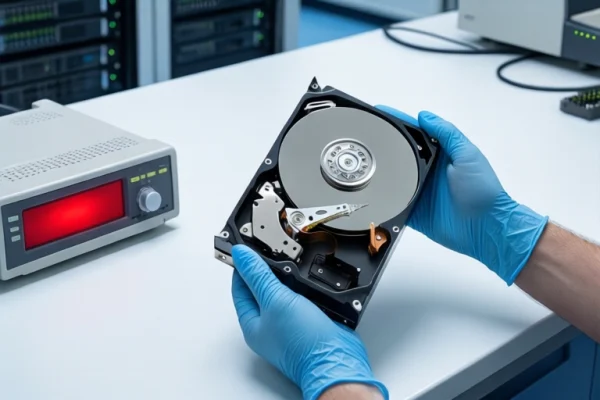
Value Assessment: Cost vs. Data Importance
Recovery is an economic decision. For logical failures, costs are typically low, and the process is quick. For physical failures, costs are high due to the need for cleanroom facilities and specialized parts. If the data is commercially critical, such as contracts, research data, or irreplaceable personal photos, the investment is often justified regardless of cost. However, if the data is redundant or low-value, the high cost of physical recovery may not be rational. Always consider that deep recovery may only yield partial or fragmented files. If your business requires 100% data integrity, discuss this expectation with a professional service provider before proceeding.
Frequently Asked Questions
Is data recovery worth it if my hard drive is making clicking sounds?
No, do not attempt DIY recovery. Clicking sounds indicate mechanical failure (head crash or motor issue). Continuing to power on the drive can cause permanent physical damage to the platters. You should immediately disconnect the power and seek professional lab assessment, as this requires cleanroom repair.
Can I run recovery software on an SSD that is not recognized?
Generally, no. If the SSD is not recognized by the computer, it likely has a controller failure or firmware issue. Running software scans on an unrecognized device is ineffective and may trigger further errors. Additionally, SSDs use TRIM commands that can erase data blocks quickly. Professional intervention is required to assess if the flash chips can be read directly.
What is the difference between data backup and data recovery?
Backup is a preventive strategy where you copy data to another location to avoid loss. It is low-cost and reliable. Data recovery is a remedial action taken after data is lost or corrupted. It is uncertain, time-consuming, and often expensive. Backup is the primary defense; recovery is the last resort.