
X99 BIOS Second Drive Recognition Failure: Recovery Viability and Critical Assessment Conditions
Published 2026-09-24 | JiWang Data Recovery Technical Team
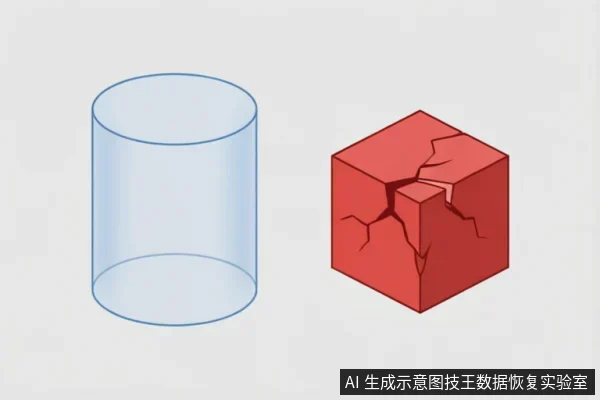
Critical Indicators of Physical Compromise
When a storage device exhibits abnormal mechanical sounds, repeated disconnections, or anomalous capacity recognition, you must cease repeated power cycling and long-term scanning;completely unrecognized devices require external connection chain verification before entering read-only assessment. These specific signals serve as the primary boundary for determining whether data recovery is physically viable. If the hardware begins to emit irregular noises or fails to maintain a stable connection with the host system, continuing to attempt access will likely exacerbate the underlying instability. The priority shifts immediately from data retrieval to preventing further structural degradation. For devices that are not recognized by the operating system at all, the initial step involves verifying the entire external connection chain. This includes inspecting cables, adapters, and power sources to rule out simple interface failures. Only after confirming that the connection path is functional should one proceed to a read-only assessment. This phase ensures that no write operations occur, preserving the current state of the media. Attempting to force recognition through aggressive software tools or repeated restarts can lead to permanent loss if the issue is hardware-related. Therefore, observing these critical indicators allows technicians to make informed decisions about the next steps. If the device remains unresponsive despite verified connections, professional intervention becomes necessary. The focus remains on stabilizing the environment rather than forcing immediate access. Understanding these conditions helps users avoid actions that could compromise the integrity of their stored information.
External Chain Verification for Unrecognized Devices
When a storage device exhibits abnormal mechanical sounds, repeated disconnections, or anomalous capacity recognition, you must cease repeated power cycling and long-term scanning;completely unrecognized devices require external connection chain verification before entering read-only assessment. This protocol is critical because continued electrical stress can exacerbate instability in components that are already failing to communicate properly with the host system. The presence of irregular noises or intermittent connectivity signals that the internal architecture may be compromised, making further attempts at direct mounting potentially destructive. Therefore, halting all active operations is the primary safeguard against data loss. For devices that remain entirely invisible to the operating system, standard diagnostic tools cannot provide meaningful insights. In such scenarios, the focus shifts to verifying the integrity of the entire data path rather than the drive itself. External connection chain verification involves systematically isolating variables within the transmission infrastructure. This process ensures that the failure lies within the storage unit and not in the cabling, ports, or adapter interfaces used for communication. By methodically testing each link in the chain, technicians can confirm whether the device is physically capable of responding to commands. Only after confirming a stable and verified connection pathway should one proceed to specialized read-only assessment techniques. These advanced methods prioritize data extraction over system functionality, ensuring that no write operations occur during the evaluation phase. This strict adherence to non-invasive procedures maximizes the potential for successful recovery by preserving the current state of the media. Ignoring these steps often leads to irreversible corruption, as unverified connections may introduce voltage spikes or signal interference that damages sensitive circuitry. Thus, rigorous external verification serves as the essential foundation for any subsequent recovery efforts, providing a clear boundary between safe observation and risky intervention.
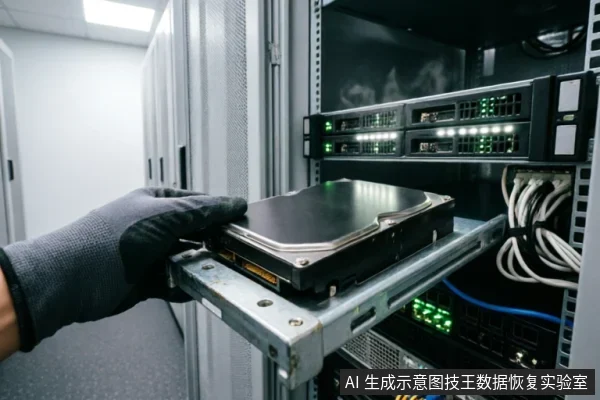
Professional Intervention vs. User Repair Risks
| Aspect | User Action Risks | Professional Intervention Benefits |
|---|---|---|
| Safety & Environment | Ordinary users lack cleanroom environments. Attempting self-repair on devices with risk of physical damage exposes data to irreversible contamination or further structural compromise. | Professional institutions provide controlled cleanroom settings, ensuring that sensitive components are handled without external interference or particulate exposure. |
| Disassembly Protocol | Self-disassembly is strictly prohibited. Without specialized tools and training, users may inadvertently cause mechanical failure or disconnect critical pathways during the process. | Trained technicians follow standardized disassembly protocols. They ensure that the device is opened safely, preserving the integrity of internal structures for subsequent analysis. |
| Data Preservation | Unqualified attempts often lead to permanent data loss. Every unauthorized interaction increases the likelihood of triggering protective mechanisms that erase accessible information. | Entrusting the device to experts minimizes additional writes or reads. Professionals prioritize data preservation over immediate access, using methods that do not alter the original state. |
Preserving Data Integrity During Diagnosis
avoid formatting, initialization, or writing recovery results back to the original medium. This approach ensures that no further alterations compromise the potential for retrieval. Users should immediately cease any write-intensive activities to prevent overwriting critical sectors. Checking system logs can reveal if the drive is still accessible by the operating system. If the device appears in disk management but shows as uninitialized, do not proceed with partition creation. Instead, document the current state of the drive, including its model number and connection type. This information assists professionals in understanding the environment before intervention. Existing backups serve as a baseline for comparison, helping to identify what specific files are missing. Prior operations, such as previous attempts at repair or software scans, must be recorded to avoid redundant actions that could exacerbate issues. Formatting the drive erases file system structures, making recovery significantly more difficult. Initialization creates new partitions, which also overwrites existing data headers. Writing recovery results back to the source drive risks corrupting the very data intended for preservation. Therefore, maintaining the integrity of the original storage medium is paramount. Only after thorough verification should external tools be considered, and even then, they must operate in read-only mode. This cautious strategy minimizes the risk of permanent data loss during the initial diagnostic phase.
Frequently Asked Questions
What immediate steps should be taken if target data on the original medium has not been confirmed secure?
First, verify device recognition status, check for existing backups, and review prior operations. Avoid formatting, initializing, or writing recovery results back to the original medium.
How should one handle a storage device exhibiting abnormal mechanical sounds, repeated disconnections, or anomalous capacity recognition?
Cease repeated power cycling and long-term scanning immediately. For completely unrecognized devices, verify the external connection chain before entering a read-only assessment phase.
What is the recommended course of action for devices at risk of physical damage?
Do not open or disassemble the drive;keep the original media protected and seek professional assessment.keep the original media protected and seek professional assessment.keep the original media protected and seek professional assessment.