
WD External Drive Unreadable: When to Use Software vs. Stop
Published 2026-09-20 | JiWang Data Recovery Technical Team
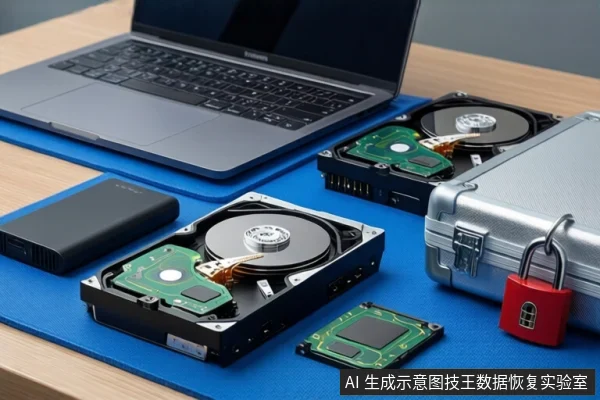
Direct Answer: When to Use Software vs. When to Stop
If your WD external drive is recognized by the operating system (visible in Disk Management) but inaccessible or formatted as RAW, software-based recovery is the appropriate first step. If the drive is not recognized at all, shows a Code 10 error, or exhibits physical symptoms like clicking sounds, stop all software attempts immediately as these indicate hardware failure requiring professional intervention.
Diagnosis: Identifying Logical vs. Physical Failure
The decision between software and professional recovery depends on the drive's recognition status. Before attempting any recovery, perform basic hardware troubleshooting: try a different USB port, use a different cable, and test the drive on another computer to rule out connection issues .
- Logical Failure (Software Applicable): The drive is visible in Disk Management but shows as "RAW" or "Unallocated." This indicates a file system corruption where data is likely still present on the media .
- Physical Failure (Software Ineffective): The drive is not recognized, appears as an "Unknown Device," or shows a Code 10 error in Device Manager after troubleshooting. This suggests a hardware failure where software scanning is ineffective and potentially harmful .
Safe Software Recovery Steps
If the drive is recognized but inaccessible, you can attempt recovery using command-line tools. Windows File Recovery is a command-line app available from the Microsoft Store for recovering lost files from local storage devices, including external drives .
Critical Safety Rule: To increase the chances of recovering a file, you must minimize or avoid using the computer to prevent overwriting free space . Do not format the drive or run disk check tools (like Chkdsk) as these can overwrite the very data you are trying to save.
Critical Stop Conditions
Stop all operations and seek professional help if you observe any of the following:
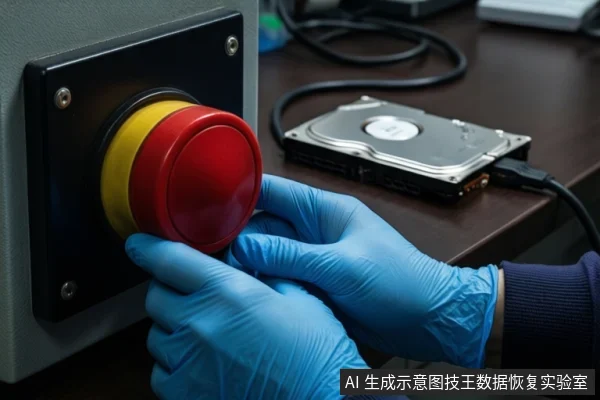
- The drive is not recognized by the computer or appears as 'Unknown Device'.
- Device Manager shows a Code 10 error after trying different cables and ports .
- The drive makes clicking, grinding, or buzzing noises.
- The drive is not visible in Disk Management or shows as 'No Media'.
In these cases, the drive has likely suffered a physical or firmware failure. Continued power-on attempts or software scans can cause further damage. Professional data recovery services are required for hardware-level intervention.
Frequently Asked Questions
What does it mean if my WD drive shows as RAW in Disk Management?
If the drive shows as RAW or Unallocated after basic troubleshooting (different port, cable, computer), it indicates a possible issue with the drive's formatting. In this case, data recovery should be considered if the data is needed, as the file system is likely corrupted but the data may still be present .
Is it safe to run data recovery software if my drive is not recognized by Windows?
No. If a device shows a Code 10 error in Device Manager and basic hardware troubleshooting has failed, the drive has probably failed. In this state, software scanning is ineffective and may cause further damage. You should consider professional data recovery instead .
How can I increase my chances of recovering files from a readable but corrupted drive?
To increase the chances of recovering a file, you should minimize or avoid using the computer to prevent overwriting free space . Additionally, Windows File Recovery is a command-line app available from the Microsoft Store that can be used for recovering lost files from local storage devices .