
ST950042AS Failure Risks: Safe Immediate Actions to Prevent Data Loss
Published 2026-10-22 | JiWang Data Recovery Technical Team
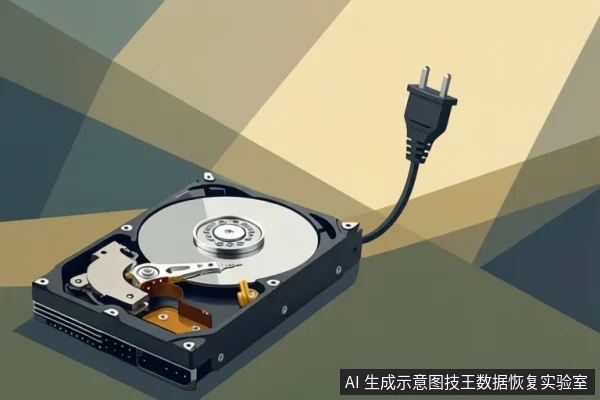
If your ST950042AS drive is making clicking sounds or is unresponsive, immediately disconnect power. Do not attempt to boot it repeatedly. Mechanical hard drives can suffer from PCB or firmware issues, which often require professional intervention to prevent further damage.
Immediate Safety Actions
The most critical step when an ST950042AS drive exhibits abnormal behavior is to stop all power attempts. If you hear clicking, grinding, or a repetitive spinning-down noise, the drive is likely experiencing a physical failure, such as head assembly issues or motor obstruction. Continuing to power the drive forces the read/write heads to seek data, which can scratch the platters and render data unrecoverable.
If the drive is recognized by the system but prompts for formatting or shows as RAW, do not click "Format." This is often a sign of file system corruption or underlying physical bad sectors. Attempting to format will overwrite the partition table and potentially erase the data you are trying to save. Instead, keep the drive powered off and seek professional imaging services.
Understanding ST950042AS Failure Modes
The ST950042AS is a mechanical hard drive from Seagate. Like other mechanical drives, it can experience hardware degradation, such as PCB component failure or firmware sector corruption.
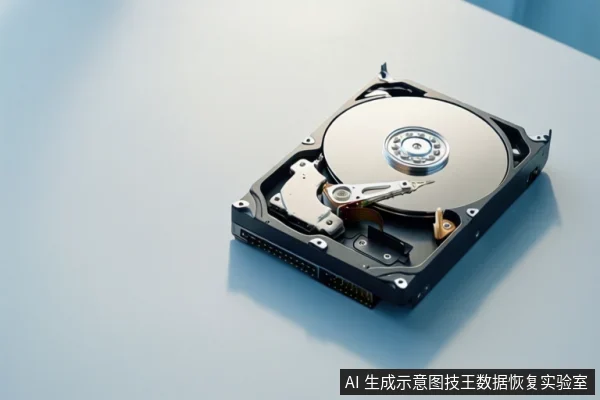
In mechanical drives, PCB failures can prevent spin-up or communication with the host. Firmware loss may cause the drive to appear as 0MB or unformatted in BIOS. These are hardware-level issues that typically require specialized equipment for diagnosis and repair.
Why DIY Repair is Dangerous
Many users attempt to "wake up" a failing drive by repeatedly plugging it in, tapping the case, or using generic recovery software. These actions are counterproductive. Repeated power cycling stresses the spindle motor and head assembly, increasing the risk of physical damage. Tapping the drive can dislodge components or cause head crashes.
Generic recovery software is designed for logical errors, such as deleted files or corrupted file systems. It cannot repair physical damage to the platters or heads. In fact, running intensive scans on a physically failing drive can cause the heads to read damaged sectors repeatedly, leading to further wear and potential data loss. Professional data recovery requires a cleanroom environment to safely open the drive, replace failed components, and extract data using specialized hardware.
Frequently Asked Questions
Can I recover data from a clicking ST950042AS drive myself?
No. Clicking indicates physical head or motor issues. DIY attempts often worsen platter damage. Professional cleanroom service is required.
Is it safe to try booting the drive multiple times to see if it works?
No. Repeated power cycling on a failing drive can cause irreversible damage to the platters. Stop immediately if you hear abnormal noises.
What is the most common failure for this Seagate model?
Common issues include PCB damage and firmware loss. These require specialized equipment for diagnosis and repair.