
How Long Does Data Recovery Take? It Depends on Media Health, Not Just File Size
Published 2026-09-19 | JiWang Data Recovery Technical Team
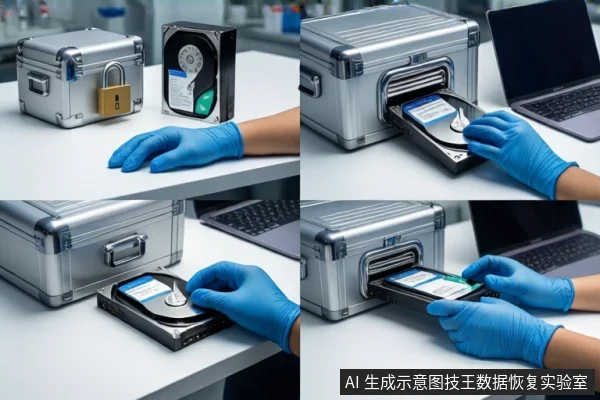
Recovery duration is not determined by file size alone but by the read stability of the source media and the complexity of the file system structure. For stable media with logical issues, recovery typically takes hours to two days. If the media has physical defects requiring slow, segmented extraction or imaging, the process can extend to three to five days or longer.
Direct Answer: Why Time Varies
Users often estimate recovery time based on gigabytes, assuming a linear relationship. In practice, the bottleneck is rarely the amount of data but the read stability of the source device. A healthy drive reads at near-nominal speeds, allowing rapid extraction. A failing drive requires slow, segmented reading to prevent catastrophic failure, which can turn a few hours of work into several days. The "downloaded" nature of the files (often fragmented or temporary) adds a layer of complexity, but the physical state of the storage medium remains the primary variable.
Read Stability as the Primary Bottleneck
Before any data is extracted, the source media must be assessed for read stability. This is the first and most critical factor in determining timeline. If a drive exhibits physical symptoms such as clicking, grinding, or frequent disconnection, it indicates severe instability. In these cases, standard software scans are dangerous and should be stopped immediately. Professional recovery requires a different approach: slow, controlled extraction or imaging to prevent further damage. This process is inherently slower than logical recovery because it prioritizes data preservation over speed. Even if only a few files are needed, skipping this assessment to force a quick read can result in total data loss.
Impact of File System Complexity
Once read stability is established, the complexity of the file system determines the next phase of the timeline. Logical failures, such as accidental deletion or file system corruption, involve reconstructing metadata and partition tables. For standard file systems like NTFS or APFS, this can be relatively quick if the underlying data is intact. However, if the drive has experienced multiple format cycles, power failures, or complex structures like RAID arrays or encrypted volumes, the reconstruction process becomes significantly more time-consuming. Deep algorithmic reconstruction may be required to reassemble fragmented files, which can extend the timeline from hours to days.
HDD vs. SSD Recovery Timelines
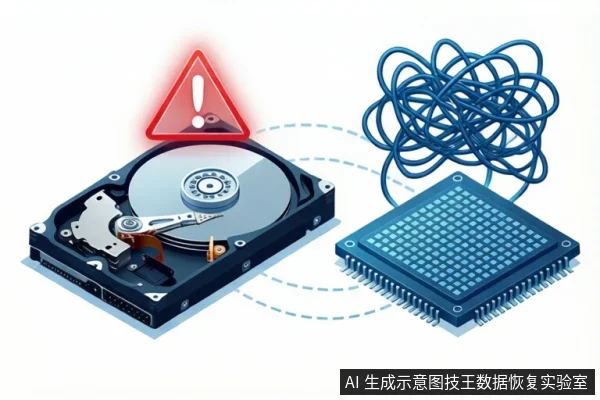
The type of storage media also influences recovery duration. Mechanical Hard Drives (HDDs) are susceptible to physical defects such as head crashes or platter damage. These issues require specialized hardware repair and slow, segmented data extraction, which is the most time-consuming aspect of recovery. Solid State Drives (SSDs), while lacking mechanical parts, face different challenges. SSD recovery is heavily impacted by the Flash Translation Layer (FTL) mapping and TRIM commands. If TRIM has been executed, deleted data may be physically erased, making recovery impossible or extremely difficult. Even if data is recoverable, the need to reverse-engineer FTL mappings can add significant time to the process. Unlike HDDs, SSD failures often involve controller or NAND flash issues that require specific diagnostic tools and may not respond to standard recovery methods.
When to Stop and Seek Professional Help
If your drive exhibits physical symptoms such as clicking, grinding, or frequent disconnection, stop all software scans and seek professional hardware assistance immediately. Do not attempt to recover data from an unstable drive using consumer software, as this may exacerbate physical damage and reduce recovery potential. The decision to stop is based on the physical state of the media, not the urgency of the data. Professional assessment can determine if the drive is stable enough for software-based recovery or if it requires cleanroom intervention.
Frequently Asked Questions
Why does recovering a small file take longer than a large one?
Recovery time is not linear with file size. A small file on an unstable drive may take longer to recover than a large file on a stable drive because the process is limited by the read stability of the media and the complexity of the file system structure, not the amount of data.
Is it safe to use recovery software on a drive that makes clicking noises?
No. Clicking noises indicate physical instability, likely due to head or motor issues. Using recovery software in this state can cause further physical damage. Stop all operations and seek professional hardware assistance immediately.
How does TRIM affect SSD data recovery time?
TRIM commands can physically erase deleted data on SSDs, making recovery impossible. If TRIM has not been executed, recovery may still be possible but requires reverse-engineering the FTL mapping, which can be time-consuming and complex compared to logical recovery on HDDs.