
Storage Device Feels Loose or Unstable: Safe Handling Steps
Published 2026-10-14 | JiWang Data Recovery Technical Team
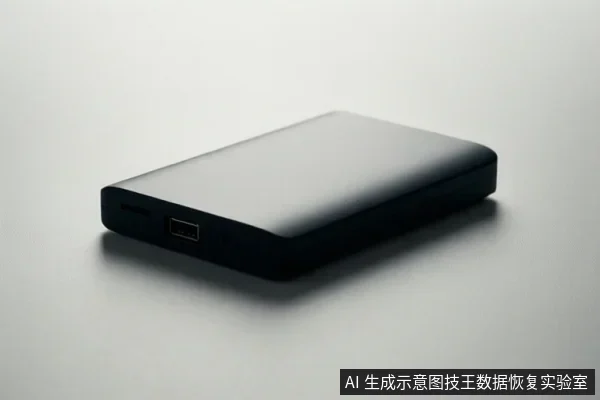
If a storage device feels like it has poor contact or connection issues, the immediate priority is to stop all write operations and verify physical connections. Do not format, initialize, or run repair tools until the device is stable. Check cables and ports first; if the issue persists or the device makes unusual noises, disconnect it immediately to prevent potential data loss.
Immediate Safety Actions
- Stop all active read/write operations on the affected device.
- Disconnect the device from the computer to prevent further electrical or mechanical stress.
- Inspect the physical connection points, including the cable, port, and device connector, for visible damage or looseness.
- Reconnect the device using a different cable or port if available, observing for stability.
- If the device disconnects repeatedly or makes unusual sounds, leave it disconnected and do not attempt further software diagnostics.
Distinguishing Connection Issues from Hardware Failure
A loose feeling or intermittent disconnection is a symptom, not a diagnosis. It may indicate a simple issue like a damaged cable or a loose port, but it can also signal internal hardware instability. If the device is recognized by the operating system and remains stable during a brief read-only check, the issue may be external. However, if the device disappears from the system, prompts for initialization, or exhibits mechanical noises, it is likely an internal hardware fault. In such cases, software-level fixes are ineffective and potentially harmful.
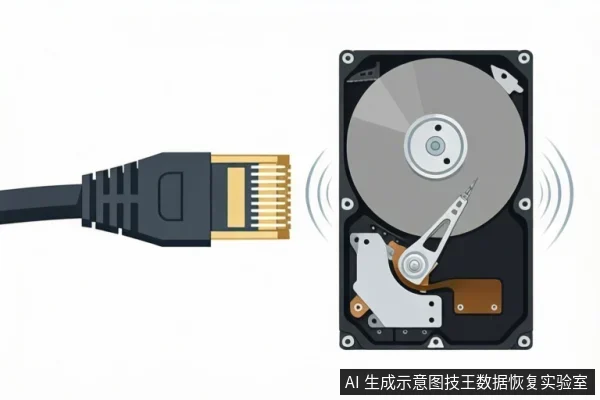
Safe Diagnostic Steps
Only proceed with diagnostics if the device remains physically stable and is consistently recognized by the system. Use read-only tools to check the device status. Avoid using disk check utilities, formatting tools, or any software that writes to the drive. If the device shows a 'RAW' status or asks to be initialized, do not confirm these actions, as they will erase data pointers. If the device is stable and readable, create a backup of critical data to a separate, healthy storage medium before considering any further repairs.
When to Stop and Seek Professional Help
Stop all DIY attempts and seek professional assistance if any of the following conditions occur: the device makes clicking, grinding, or repetitive mechanical noises; the device is not recognized by the operating system or BIOS; the device shows 'RAW' status or prompts for initialization; or the data is critical and no verified backup exists. Continuing to use an unstable device risks irreversible data loss. Professional assessment can determine if the issue is a simple connection fault or a deeper hardware failure requiring specialized handling.
Frequently Asked Questions
Is it safe to run a disk check tool if the drive feels loose?
No, running disk check tools can cause write operations that may corrupt data if the underlying issue is hardware instability. Only use read-only diagnostic tools if the device is stable.
What should I do if the drive disconnects repeatedly?
Immediately disconnect the device. Repeated disconnections can indicate failing connectors or internal hardware issues. Continued use risks data loss.
Can I recover data if the drive is not recognized?
Recovery is possible but requires professional assessment. Do not attempt to format or initialize the drive, as this will erase data pointers. Seek professional help if the device is unstable.