
Lenovo Y580 Storage Failure: Why Media Preservation Trumps Immediate Scanning
Published 2026-09-24 | JiWang Data Recovery Technical Team
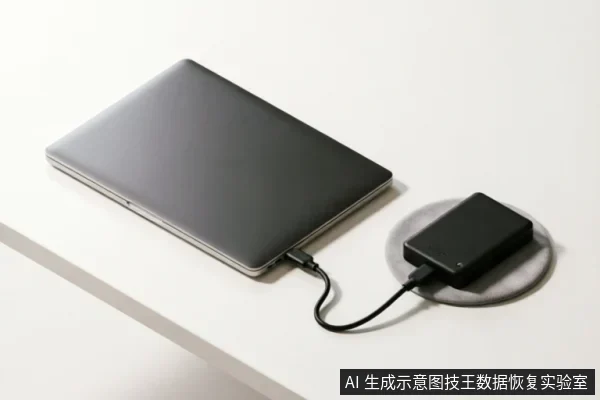
Pre-Scan Diagnostic Checklist
Pre-Scan Diagnostic Checklist- Verify Device Identification Status: Before initiating any data recovery procedures, confirm that the storage device is correctly recognized by the host system. This step ensures that the hardware interface is stable and that the operating system can properly enumerate the drive. If the device fails to appear in the disk management utility or shows as "Not Initialized," do not proceed with scanning. Instead, investigate the connection integrity and power supply stability first.
- Assess Existing Backup Integrity: Check whether recent backups of the target data exist on separate media. If a valid backup is available, prioritize restoring from it rather than attempting complex recovery operations. This approach minimizes risk and avoids unnecessary write cycles to the original medium. Document the existence and location of these backups for future reference.
- Review Previous Operations: Analyze any prior actions taken on the device, such as formatting, partitioning, or initialization attempts. Avoid performing new writes or modifications until the current state is fully understood. Do not format, initialize, or overwrite the original medium under any circumstances during this diagnostic phase.
- Protect Original Media: Ensure that no recovery results are written back to the source drive. Use external storage or network locations for all recovered files. This precaution prevents accidental overwriting of potentially recoverable data sectors.
Recognizing Mechanical and Connection Failures
| Failure Symptom | Immediate Action Protocol | Rationale for Media Preservation |
|---|---|---|
| Abnormal Mechanical Noise | Stop repeated power-on attempts immediately. Do not perform long-duration scans. | Repeated power cycles exacerbate physical degradation. Halting operations prevents further structural damage to the internal components, preserving the original state of the media for professional assessment. |
| Intermittent Disconnection | Avoid continuous scanning. Cease all write operations and minimize read requests. | Fluctuating connections indicate instability in the data path. Continuous scanning places unnecessary stress on the interface, potentially leading to complete loss of recognition. Prioritizing stability over data retrieval is critical. |
| Inconsistent Capacity Recognition | Suspend all diagnostic software execution. Do not attempt file system repairs. | Variable capacity reporting suggests logical or physical layer inconsistencies. Running repair tools may trigger automatic processes that alter the disk's state, compromising the integrity required for accurate evaluation. |
| Complete Non-Recognition | First verify the external connection chain. Then decide whether to proceed to a read-only evaluation. | Before assuming internal failure, ensure the communication link is secure. If the device remains undetected after connection checks, a controlled read-only assessment determines if the media is accessible without risking further corruption. |
Why Aggressive Scanning Damages Data
When a storage device exhibits anomalies such as abnormal mechanical sounds, repeated disconnections, or inconsistent capacity recognition, the immediate instinct to perform aggressive scanning is often counterproductive. Repeated power-on cycles and prolonged scanning operations can exacerbate instability, particularly when the underlying hardware integrity is already compromised. In scenarios where the device becomes completely unrecognizable by the system, initiating a scan without first verifying the external connection chain is ill-advised. The priority must shift from data extraction to stabilizing the environment.
The fundamental principle of data preservation dictates that target data within the original medium cannot be considered secure until specific preliminary checks are completed. Before any recovery attempt, it is crucial to verify the device's identification status, review existing backups, and assess previous operations. Actions such as formatting, initializing, or writing recovery results back to the original medium must be strictly avoided at this stage. These operations risk overwriting the very data one intends to save. Instead, if the device shows signs of severe distress, stopping repeated power attempts is essential. A read-only assessment should only be considered after confirming the physical connectivity and ensuring that no further write operations will occur. This cautious approach prevents irreversible loss caused by hasty interventions, emphasizing that protecting the original state is more critical than immediate data retrieval.
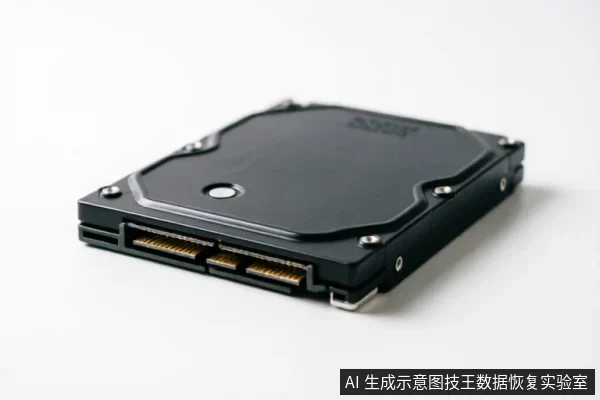
Safe Recovery Workflow Summary
- Do not open or disassemble the drive;keep the original media protected and seek professional assessment.keep the original media protected and seek professional assessment.this requires a cleanroom environment. Opening the casing exposes sensitive components to dust and static, which can cause irreversible failure. Professional handling ensures that the internal structure remains intact during transport and initial assessment.
- Verify State Before Action: When original media contains target data that has not yet been confirmed as safe, first check device recognition status, existing backups, and previous operations. Avoid formatting, initializing, or writing recovery results back to the original medium. These actions overwrite sectors immediately, making retrieval impossible. Always prioritize preserving the current state over aggressive scanning attempts.
- Stop on Critical Symptoms: If the storage device exhibits abnormal mechanical sounds, repeated disconnects, or anomalous recognized capacity, stop repeated power-on cycles and long-duration scans entirely. Continuous operation under these conditions accelerates degradation. For devices that are completely unrecognizable, first confirm the external connection chain, including cables and ports, before deciding whether to enter a read-only evaluation phase. This step isolates interface issues from media failure.
- Preserve Data Integrity: The primary goal is to secure the source media without altering its logical or physical state. Any write operation poses an immediate threat to recoverable information. By adhering to these protective measures, users maintain the highest possible chance of successful professional intervention later.
Frequently Asked Questions
Why is professional disassembly restricted to cleanroom environments?
Attempting to open the drive casing yourself risks permanent physical damage from dust or static. Professional recovery requires a sterile cleanroom environment to prevent contamination of sensitive internal components.
What precautions should be taken before initiating any data recovery procedures?
Ensure the target data on the original media is secure. Verify device identification status, check for existing backups, and review prior operations. Strictly avoid formatting, initializing, or writing recovered results back to the original drive to preserve evidence integrity.
How should I respond if my storage device makes abnormal noises or disconnects repeatedly?
Immediately stop powering on the device and halt long scanning sessions to prevent further mechanical wear. If the device is completely unrecognizable, first inspect the external connection chain (cables and ports) before deciding whether to proceed with a read-only assessment.