
Samsung Portable Hard Drive Dropped: Actions That Harm Recovery
Published 2026-10-08 | JiWang Data Recovery Technical Team
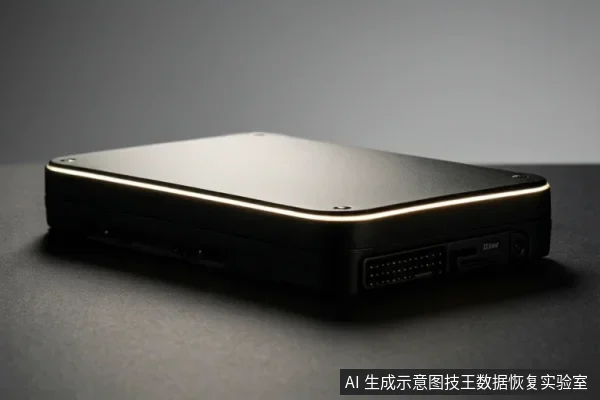
To preserve data recovery chances on a Samsung portable hard drive after a drop, immediately stop all write operations and avoid repeated power-on attempts. Avoid formatting, initializing, or running disk repair tools, as these actions can overwrite data or exacerbate physical damage. Basic troubleshooting like changing cables or ports is safe, but if the drive exhibits physical symptoms like clicking or failure to spin, stop all software-based attempts and seek professional help.
Immediate Actions to Protect Your Data
The first priority after a drop is to prevent further damage to the storage media. If the drive is still connected, disconnect it immediately. Do not attempt to open the drive or perform any physical repairs. If you have not yet checked for backups, do so now. If the data is critical and no backup exists, the safest course of action is to stop using the drive entirely and consult a professional data recovery service. This prevents accidental overwrites or physical degradation that could make recovery impossible.
Safe Troubleshooting Steps
If you are unsure whether the drive has suffered physical damage, you can perform basic hardware troubleshooting. These steps are safe because they do not involve writing data to the drive.
- Try a different USB port on your computer.
- Use a different USB cable if available.
- Connect the drive to a different computer.
- Check if the drive's indicator light is on.
If the drive is recognized and accessible after these steps, you may be able to copy your data to another safe location. If the drive is not recognized, proceed to the next section to determine if the issue is logical or physical.
Destructive Actions to Avoid
Certain actions can permanently destroy your ability to recover data. Avoid the following operations:
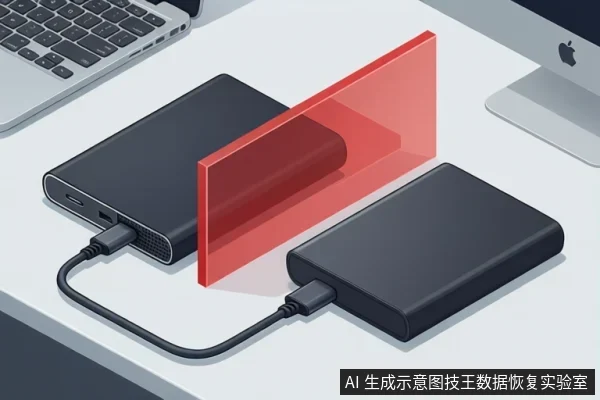
- Formatting: Formatting erases all data on the drive. If the drive shows as RAW or Unallocated, do not format it.
- Running Disk Repair Tools: Tools like Chkdsk or disk repair utilities can overwrite data or exacerbate physical damage. Do not run these tools on a dropped drive.
- Writing Data Back: Do not save recovered files back to the original drive. Always save them to a different storage device.
These actions can overwrite the storage space where your deleted or corrupted files reside, making recovery impossible. Even if the drive appears to be working, avoid any write operations until you are certain the data is safe.
When to Stop and Seek Professional Help
Stop all software-based attempts and seek professional help if you observe any of the following conditions:
- Abnormal Mechanical Sounds: If the drive exhibits clicking, grinding, or other abnormal sounds, stop all power-on attempts immediately. These sounds indicate physical damage to the drive's internal components.
- RAW or Unallocated Status: If the drive shows as RAW or Unallocated in Disk Management after trying different ports, cables, and computers, and data is needed, data recovery should be considered. Stop further software-based attempts and seek professional help.
- Device Not Detected: If the drive is not detected in Device Manager and shows Code 10 after trying another cable and computer, the drive has probably failed. Stop all operations and seek professional help.
In these cases, the drive likely has physical damage that cannot be repaired by software. Professional data recovery services have the tools and expertise to handle such situations safely.
Frequently Asked Questions
Is it safe to run disk repair tools on a dropped Samsung portable hard drive?
No, running disk repair tools can overwrite data or exacerbate physical damage. It is safer to stop all write operations and seek professional help if the drive exhibits physical symptoms.
What should I do if my Samsung portable hard drive shows as RAW or Unallocated?
If the drive shows as RAW or Unallocated in Disk Management after trying different ports, cables, and computers, and data is needed, data recovery should be considered. Stop further software-based attempts and seek professional help.
Can I recover data from a Samsung portable hard drive that is not detected in Device Manager?
If the drive is not detected in Device Manager and shows Code 10 after trying another cable and computer, the drive has probably failed. Stop all operations and seek professional help.