
Xbox Series S External Drive Not Recognized: Immediate Actions and Recovery Viability Conditions
Published 2026-09-26 | JiWang Data Recovery Technical Team
Initial Diagnostic Steps and Data Protection Protocols
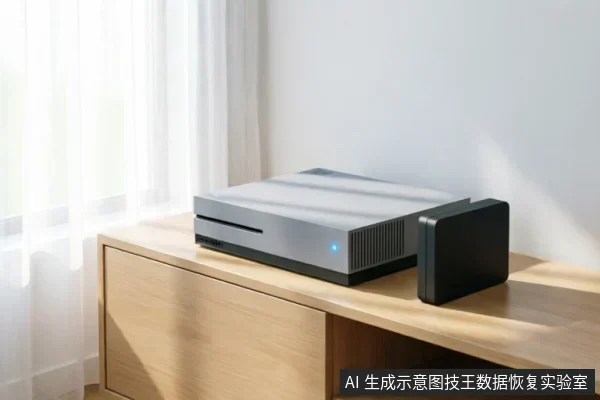
When the Xbox Series S suddenly fails to recognize an external hard drive, immediate action is critical to preserve data integrity. The primary objective during this phase is not rapid recovery but strict containment of further data loss. Users must adhere to specific diagnostic protocols that prioritize evidence preservation over aggressive troubleshooting. First, verify the current recognition status of the device. This involves checking whether the drive appears in the console’s storage settings or if it remains completely invisible. Observing these indicators helps determine the severity of the connection issue without altering the drive’s state. Simultaneously, check for existing backups. If cloud saves or previous external copies exist, the urgency shifts from recovery to restoration. However, if no backups are present, the focus must remain entirely on protecting the original medium. Crucially, users must avoid formatting, initializing, or writing recovered data back to the original medium. These actions overwrite existing file structures and can permanently erase recoverable information. Formatting attempts often trigger automatic processes that make subsequent professional recovery significantly more difficult or impossible. Similarly, initializing the drive reconfigures its partition table, destroying the logical links to stored files. Writing new data, even small system files, displaces old data blocks that might otherwise be salvageable. Instead of running diagnostic tools or attempting manual repairs, maintain the drive in its current state. Disconnect it from power sources when not actively assessing visibility. Avoid any software that scans or modifies the drive structure. The goal is to create a stable snapshot of the current condition before engaging specialized services. By resisting the urge to fix the issue immediately through standard user interventions, you maximize the potential for successful data retrieval by professionals who can analyze the raw state without interference.
Differentiating Logical Errors from Physical Damage Indicators
When an Xbox Series S suddenly fails to recognize an external drive, the initial diagnostic phase is critical for determining the appropriate response strategy. It is essential to distinguish between logical connection issues and potential hardware anomalies without assuming specific internal failures. The primary step involves verifying the external connection chain. This includes checking the USB cable integrity, ensuring the port is functional, and confirming that the power supply is stable. If the device remains completely unrecognized after these basic checks, a read-only assessment may be considered, but only after establishing that the physical link is secure. However, if the device exhibits abnormal mechanical sounds, such as clicking or grinding noises, this indicates a serious deviation from normal operation. Similarly, if the drive drops off intermittently during use or shows incorrect capacity in the system settings, these are strong indicators of instability. In such cases, it is imperative to stop repeated power cycling immediately. Continuing to power on and off can exacerbate the issue and complicate future recovery efforts. Long scans should also be avoided under these conditions, as they place unnecessary stress on the failing components. The goal at this stage is not to attempt repairs but to preserve the current state of the data. Users should refrain from running disk checking utilities or formatting prompts, as these actions can alter the file structure irreversibly. Instead, focus on isolating the device from further electrical stress. If the connection chain is verified and no mechanical symptoms are present, the issue may be logical, requiring professional software intervention. Conversely, if mechanical or intermittent symptoms persist, professional hardware assessment is necessary. Always prioritize data safety over immediate accessibility.
Critical Actions When Physical Damage Symptoms Appear
When the Xbox Series S suddenly fails to recognize an external drive, immediate action is required if specific physical symptoms are present. If the device exhibits abnormal mechanical sounds, drops off intermittently, or shows incorrect capacity, stop repeated power cycling and long scans. Continuing to power the drive under these conditions can exacerbate instability and lead to further data loss. Instead of attempting aggressive diagnostic tools, pause all operations immediately. For completely unrecognized devices, verify the external connection chain first before deciding on read-only assessment. This step ensures that the issue is not caused by a loose cable or a faulty port rather than internal drive failure.- Stop Power Cycling: Repeatedly turning the drive on and off increases stress on components. If the drive makes unusual noises or disconnects randomly, cease all power attempts to prevent worsening the condition.
- Avoid Long Scans: Do not run extended scanning utilities when mechanical anomalies are detected. These scans demand continuous read/write operations that can accelerate failure in compromised drives.
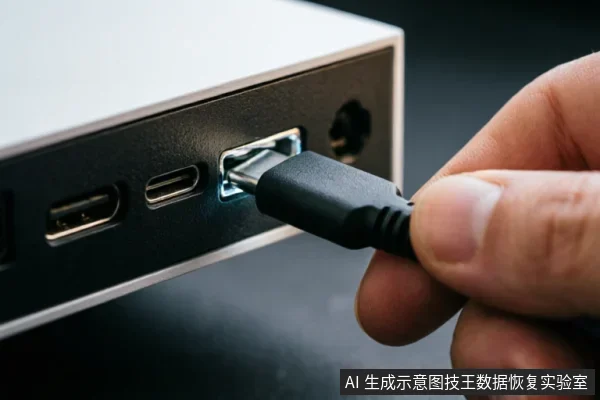
- Check Connections: For drives that are not recognized at all, inspect the USB cable and console port. Ensure the connection chain is secure and functional before proceeding with any technical assessment.
- Read-Only Assessment: Once physical stability is confirmed or connections are verified, consider a read-only approach. This minimizes write operations and preserves the current state of the data for potential recovery.
The Necessity of Professional Cleanroom Intervention
Do not open or disassemble the drive;keep the original media protected and seek professional assessment.
Verifying Connection Chains Before Advanced Assessment
When an Xbox Series S suddenly fails to recognize an external drive, the immediate priority is not data recovery but establishing a stable communication baseline. Before initiating any advanced diagnostic procedures or read-only assessments, it is crucial to verify the external connection chain. This step ensures that the issue stems from a logical or transient hardware fault rather than a permanent storage failure. Users should inspect all physical links in the path between the console and the drive. This includes checking the USB cable for integrity, ensuring the port on the console is free of debris, and confirming that the external drive’s power supply (if applicable) is functioning correctly. A loose or damaged cable can mimic drive failure symptoms, leading to unnecessary panic about data loss. If the device exhibits abnormal mechanical sounds, drops off intermittently, or shows incorrect capacity, stop repeated power cycling and long scans immediately. These behaviors often indicate underlying instability that could worsen with continued stress. For completely unrecognized devices, verify the external connection chain first before deciding on read-only assessment. Replacing cables with known good ones and trying different ports can isolate the problem. If the drive remains undetected after these basic checks, the issue may lie within the drive’s internal controller or interface, which requires professional handling. Do not attempt to force recognition through aggressive scanning tools, as this can exacerbate existing faults. Instead, focus on stabilizing the connection environment. Once the chain is confirmed secure, observe whether the drive appears consistently. If it does, proceed cautiously;if not, further intervention by specialists is advisable to prevent irreversible data loss.
Frequently Asked Questions
What immediate steps should be taken before initiating any recovery actions?
Verify the device's current recognition status, check for existing backups, and strictly avoid formatting, initializing, or writing recovered data back to the original medium.
How should one respond if the device shows signs of mechanical failure or instability?
Stop repeated power cycling and long scans immediately if abnormal sounds, intermittent disconnections, or incorrect capacity readings occur. For completely unrecognized devices, verify the external connection chain first before deciding on a read-only assessment.
Is it safe for ordinary users to attempt repairs on physically damaged devices?
Do not open or disassemble the drive;keep the original media protected and seek professional assessment.this must be handled by professional institutions with cleanroom environments.