
Seagate ST3500410SV Unresponsive but Making Noise: Safe Troubleshooting Guide
Published 2026-10-23 | JiWang Data Recovery Technical Team
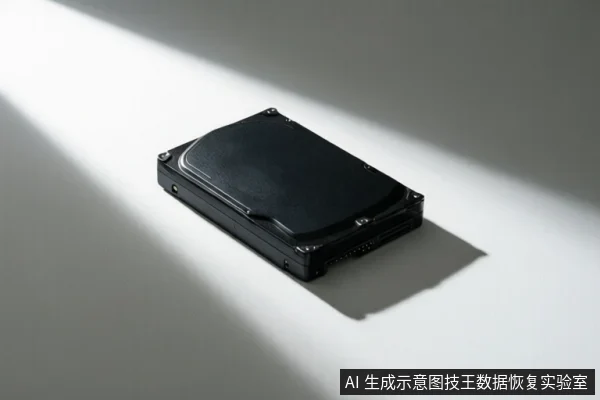
If your Seagate ST3500410SV external drive is unresponsive but making noise, it likely indicates a physical hardware failure such as head or motor issues rather than a simple software glitch. Immediate power disconnection is critical to prevent further data loss. Basic troubleshooting like changing cables or ports is safe, but if the drive remains undetected or shows Code 10 errors, professional data recovery is required.
Immediate Safety Steps: Power Disconnection
The first and most critical action when an external drive is unresponsive but audible is to disconnect it from power. If the drive makes clicking or grinding noises, stop all power attempts immediately. These sounds often indicate that the read/write heads are struggling to park or the motor is failing, and continued operation can cause the heads to scratch the platters, leading to permanent data loss. Do not repeatedly plug and unplug the drive to test if it works, as each power cycle increases the risk of physical damage to the internal mechanical components.
Basic Hardware Troubleshooting (Cable/Port/PC)
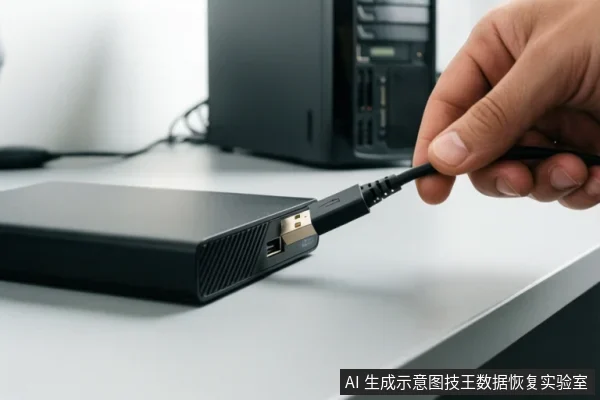
Before assuming the drive is physically broken, rule out simple connection issues. It is safe to try different USB cables, different USB ports on the same computer, or connecting the drive to a different computer. This helps determine if the issue is related to power delivery or a faulty cable rather than the drive itself. Verify that the drive's activity light is on when connected. If the drive remains undetected after trying different cables, ports, and computers, the likelihood of a hardware failure increases significantly.
OS-Level Detection Check (Windows/Mac)
On Windows, check Device Manager to see if the drive is listed. If you see a Code 10 error and have already tried another cable and computer, then the drive has probably failed according to Seagate support documentation. On macOS, if the drive is not detected in Disk Utility, check System Information or System Profiler to verify if the hardware is recognized by the operating system. If the drive is not recognized in these system-level tools, it suggests a hardware-level issue rather than a simple file system error.
When to Stop DIY and Seek Professional Help
If the drive is not detected in Device Manager or Disk Utility after trying different cables, ports, and PCs, stop software troubleshooting and seek professional help. If the drive shows as RAW or Unallocated in Disk Management after basic troubleshooting, and data is needed, data recovery should be considered. Do not attempt to format or repair the drive if it is making noises or is unstable, as this can overwrite data and make recovery impossible. Professional data recovery services have the cleanroom environment and specialized tools needed to handle physical failures safely.
Frequently Asked Questions
Why is my Seagate external drive making noise but not showing up in my computer?
This usually indicates a physical failure, such as a failing motor or read/write head. The noise is the mechanical component struggling to function. Continued power attempts can cause permanent damage to the platters. You should disconnect the drive immediately and seek professional data recovery.
Is it safe to try different USB cables or ports if the drive is unresponsive?
Yes, trying a different cable, USB port, or another computer is a safe basic troubleshooting step. It helps rule out simple connection or power delivery issues. However, if the drive still makes noise or is not detected, stop further attempts to avoid physical damage.
What does it mean if my drive shows as 'RAW' or 'Unallocated' in Disk Management?
This indicates that the file system is corrupted or the partition table is damaged. If the drive is otherwise stable (no strange noises), you might be able to recover data using specialized software. However, if the drive is unstable or making noises, do not attempt to format or repair it, as this will overwrite your data.