
Toshiba Hard Drive Opening: When Physical Repair Is Required vs. Logical Recovery
Published 2026-10-22 | JiWang Data Recovery Technical Team
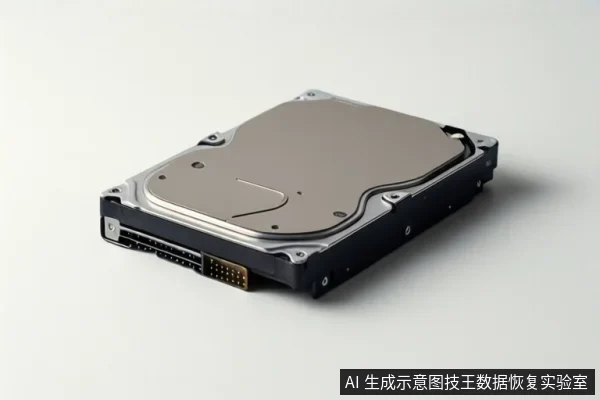
Toshiba hard drive opening is a last-resort physical repair for specific hardware failures, such as head crashes or firmware corruption, and is strictly prohibited for logical errors. If your drive exhibits clicking noises, SMART errors, or recognition instability, you must immediately stop power cycling to prevent irreversible platter damage.
Opening is for physical faults only
Opening a hard drive is not a standard troubleshooting step but a specialized procedure performed in a clean room. It is required only when the drive suffers from physical hardware damage that software cannot address. The primary goal of this intervention is to replace damaged components, such as the head assembly, or to repair the firmware area to allow the drive to read data from the platters again.
This process is distinct from logical recovery. If a drive is recognized by the computer but shows file loss, corruption, or partition issues, the problem is logical. In these cases, the physical media is intact, and opening the drive introduces dust and risks scratching the platters, which permanently destroys data. Logical errors should be handled through read-only imaging and software-based recovery methods.
Distinguishing physical vs. logical failures
The decision to open a drive depends on identifying whether the failure is physical or logical. Physical failures involve the mechanical or electronic components inside the drive, such as the spindle motor, head assembly, or PCB. Common indicators include the drive failing to spin up, audible mechanical noises, or the drive being completely unrecognized by the BIOS.
Logical failures involve the data structure or file system, such as accidental deletion, formatting, or virus damage. In these scenarios, the drive typically spins up normally and is recognized by the operating system, but the files are missing or inaccessible. Attempting to open a drive with only logical errors is dangerous and unnecessary, as it exposes the sensitive platters to environmental contaminants that cause permanent physical damage.
Pre-operation data protection
Before any repair or recovery attempt, the priority is to protect the original data. If the drive is stable and recognized, the first step is to create a read-only image or clone of the drive. This ensures that all subsequent analysis and recovery work is performed on a copy, keeping the original media safe from further wear or accidental writes.
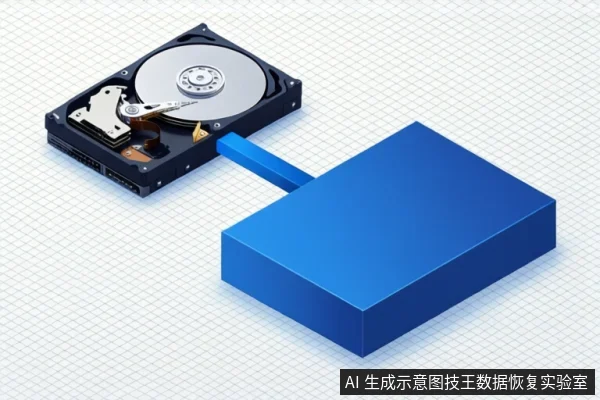
If the drive is unstable or making noises, do not attempt to image it. Instead, power it off immediately and keep it in a static-safe bag. Any further power attempts can cause the heads to crash into the platters, worsening the damage. For logical errors, ensure that any recovery software is set to read-only mode to prevent it from writing logs or modifying the file system on the source drive.
Critical stop conditions
You must cease all DIY attempts and power off the drive immediately if you observe any of the following conditions. These signs indicate physical damage that will worsen with every power cycle:
- Audible mechanical noises, such as clicking, grinding, or the motor stalling after starting.
- Frequent loss of recognition in the BIOS or unstable connection that drops and reconnects.
- An increasing count of reallocated sectors in the SMART data.
- Visible physical damage to the drive enclosure.
Continuing to power a drive in these states is equivalent to destroying the data. The heads may be failing to park correctly or the motor may be dragging, causing scratches on the magnetic surface. Once scratched, the data in those sectors is permanently lost.
Frequently Asked Questions
Can I open a Toshiba hard drive myself to fix a logical error?
No. Opening a drive for logical errors is dangerous and unnecessary. Logical errors should be addressed via read-only imaging and software recovery. Opening introduces dust and risks irreversible platter damage.
What are the signs that a Toshiba hard drive needs professional opening?
Signs include audible clicking or grinding noises, motor failure to spin, or SMART errors indicating physical damage. In these cases, software tools are ineffective and further power cycling can destroy data.
Is it safe to use recovery software on a drive making clicking sounds?
No. Clicking sounds indicate physical head or motor issues. Running software scans in this state can cause the heads to crash into the platters, permanently destroying the data. Power off immediately.