
Corrupted Server Installer: Re-download or Data Recovery?
Published 2026-10-10 | JiWang Data Recovery Technical Team
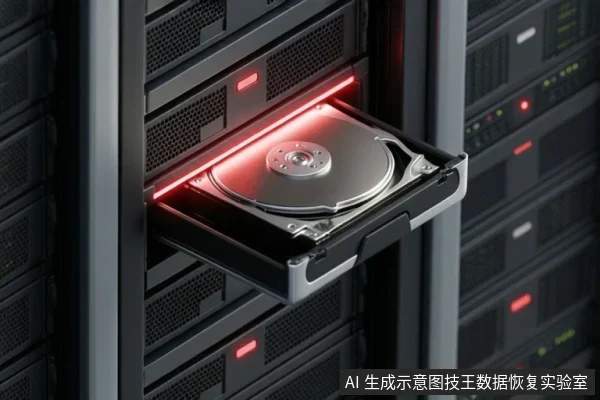
If the 'installer' refers to a standard software package that is corrupted, the solution is typically to re-download or re-copy the file from a trusted source, not to perform data recovery. Data recovery is only relevant if the corruption indicates underlying storage media failure that has resulted in the loss of other valuable data. To protect potential recovery chances, stop writing to the affected drive, avoid running disk repair tools (like chkdsk) on the raw media, and verify if the issue is limited to the specific file or the entire storage device.
Direct Answer: Re-download vs. Data Recovery
Most corrupted installer files are the result of an interrupted download, a bad network connection, or a faulty source file. In these cases, the storage drive itself is healthy, and the only necessary action is to obtain a fresh copy of the installer. Data recovery is a process for retrieving lost or inaccessible data from a failing or corrupted storage medium. It is not a tool for fixing a single bad file if the rest of the drive is functioning normally. If you can still access other files on the server and the drive is recognized by the operating system without errors, the issue is likely isolated to the installer file.
Diagnostic Branch: Is it File Corruption or Media Failure?
To determine if data recovery is needed, you must distinguish between a logical file error and a physical or logical media failure. If the drive exhibits physical symptoms such as clicking noises, failure to spin up, or the operating system failing to recognize the device entirely, stop all software-based attempts and power off the device. These signs indicate hardware failure, and continued use can cause permanent data loss. If the drive is recognized and other files are accessible, but the installer is corrupted, it is likely a file-level issue. However, if you are seeing widespread file corruption, read errors, or the drive is prompting for a format, the storage media itself may be failing. In this scenario, data recovery becomes relevant because valuable data on the drive is at risk.
Protective Actions: What to Avoid
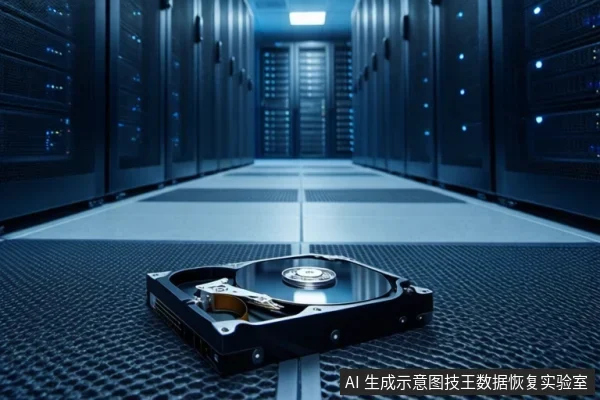
If you suspect data loss or drive failure, certain actions can irreversibly damage your chances of recovery. Do not run disk repair tools like chkdsk on the raw media if data preservation is the priority, as modifying the file system may complicate the recovery process. Do not format the drive to 'fix' the installer issue, as this removes file system structures, which generally complicates data recovery. Do not continue to use the server for normal operations if the drive is unstable, as new data writes can overwrite the very data you are trying to save. If the 'installer' is a standard downloadable file and the rest of the drive is healthy, do not attempt data recovery; simply re-download the file. If you are unsure, the safest step is to stop using the drive and seek professional assessment if the data is critical.
Frequently Asked Questions
Does a corrupted installer file mean my data is lost?
No, a corrupted installer file usually means the download or copy process was interrupted or the source was bad. It does not automatically mean other data on the drive is lost, unless the drive itself is failing.
Should I run chkdsk or disk repair tools to fix the corrupted installer?
Only if you are certain the drive is healthy and you do not have critical data at risk. If the drive is unstable or you suspect data loss, running repair tools can overwrite data and significantly reduce recovery chances.
Can I recover data if I accidentally formatted the drive to fix the installer issue?
Recovery chances decrease significantly after formatting. If you have formatted the drive, stop using it immediately and seek professional help if the data is critical, but success is not guaranteed.