
V5-431 Not Readable: Safe Troubleshooting Steps and Risk Boundaries
Published 2026-10-11 | JiWang Data Recovery Technical Team
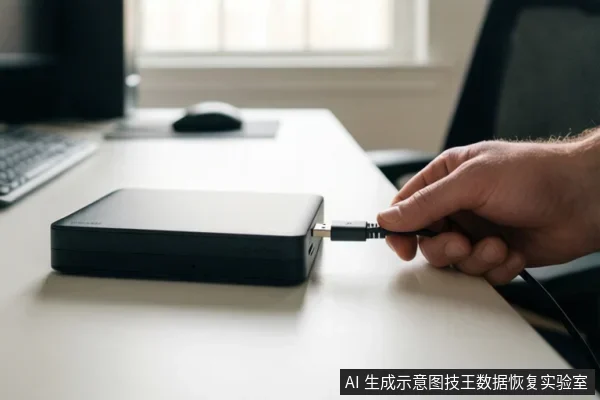
If your V5-431 device is not readable, the immediate priority is to stop all write operations and perform low-risk physical checks, such as swapping cables or changing USB ports, to rule out connection issues. Do not format, initialize, or run disk repair tools, as these actions can overwrite data. If the device makes mechanical noises or is unstable, disconnect it immediately to prevent physical damage.
Immediate Safety Actions: Stop Writes and Check Connections
The first step in handling an unreadable V5-431 is to isolate the device from any potential write operations. If the device is recognized by the operating system but shows as RAW or prompts for initialization, do not accept the format prompt. Accepting this prompt is a destructive operation that can prevent data recovery. Instead, disconnect the device and power it down.
Before assuming internal failure, verify the physical connection. Replace the data cable with a known-good one, as internal wire breaks or connector issues are common causes of 'not readable' errors. Try connecting the device to a different USB port, preferably on the back of a desktop computer, which often provides more stable power than front-panel ports or hubs. If the device is an external drive with a separate power adapter, ensure the power supply is functioning correctly. These steps are safe because they do not involve writing data to the storage media.
Diagnosing the Failure Mode: Logical vs. Physical
Understanding whether the issue is logical or physical is critical for determining the next steps. A logical failure typically occurs when the file system is corrupted or the partition table is lost, but the storage media itself is intact. In this scenario, the device may be recognized by the BIOS/UEFI and the operating system, but files may be inaccessible or the drive may appear as unformatted. If the device is stable, recognized, and makes no abnormal noises, it may be a candidate for software-based data recovery, provided no write operations have occurred since the failure.
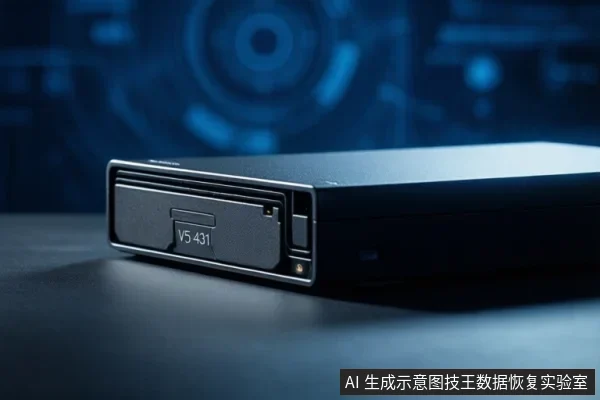
A physical failure involves damage to the hardware components, such as the controller, memory chips, or mechanical parts (if applicable). Signs of physical failure include the device not being recognized in BIOS/UEFI at all, frequent disconnections (drop-off), or the emission of clicking, grinding, or other abnormal mechanical noises. If the device is not recognized in BIOS/UEFI after changing cables and ports, the issue is likely at the hardware or firmware level. In this case, software troubleshooting is ineffective and potentially harmful. The device should be powered off and left disconnected until a professional assessment can be performed.
When to Stop Self-Repairs
There are specific conditions under which you must stop all self-repair attempts to prevent irreversible data loss. If the device makes clicking, grinding, or other abnormal mechanical noises, stop all power-on attempts immediately. These sounds often indicate severe internal damage, and continued power-on can exacerbate the problem. If the device is recognized but shows as RAW or prompts for initialization, do not accept the format prompt. If the device disconnects repeatedly (drop-off) or is not recognized in BIOS/UEFI after cable and port changes, stop software troubleshooting. In all these cases, the safest course of action is to disconnect the device and seek professional data recovery services.
Frequently Asked Questions
Can I use data recovery software if the V5-431 is not showing up in My Computer?
No. Software recovery requires the drive to be stable and recognized by the operating system. If the device is not visible, the issue is likely physical or firmware-related, and running software scans can cause further damage by forcing the device to attempt reads that it cannot safely handle.
Is it safe to run Chkdsk on a V5-431 that is showing as RAW?
No. Running repair tools like Chkdsk on a device showing as RAW or exhibiting signs of physical instability poses a risk of data loss and can compromise recovery chances. It is safer to disconnect the device and seek professional assessment.
What should I do if the V5-431 makes a clicking sound?
Disconnect the power immediately. Clicking sounds are an abnormal mechanical noise that indicates potential internal instability. Continued power-on can exacerbate the problem and severely compromise data recovery prospects.