
Seagate 320GB Unreadable: How to Diagnose and Protect Your Data
Published 2026-10-16 | JiWang Data Recovery Technical Team
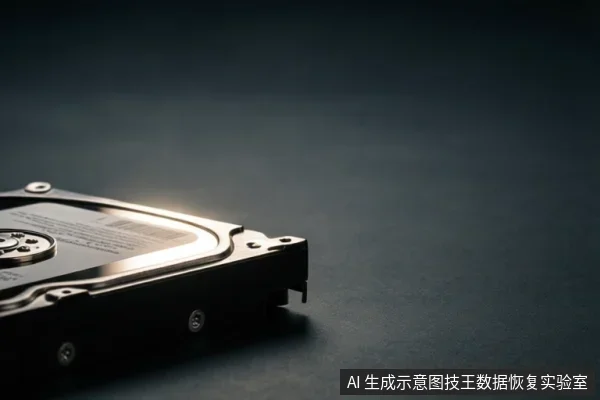
When a Seagate 320GB drive becomes unreadable, the recovery path depends on whether the failure is physical (clicking, unrecognized) or logical (RAW format, file system errors). The immediate priority is to stop all write operations and avoid repeated power cycles to prevent further damage to the storage medium.
Diagnosing Physical vs. Logical Failure
The first step is to distinguish between hardware-level damage and file system corruption. If the drive is completely invisible in BIOS or makes clicking/grinding noises, it likely suffers from physical damage such as head or motor failure. In this case, software recovery is ineffective and may cause permanent data loss. If the drive is recognized but shows as RAW or prompts for formatting, the issue is likely logical, meaning the file system structure is damaged but the data may still exist on the disk. For logical failures, read-only imaging or specialized recovery tools are appropriate. For physical failures, professional cleanroom service is required.
Safety Principles: Stop Writing and Avoid Power Cycles
Regardless of the failure type, the most critical action is to cease all write operations. Saving files, running antivirus scans, or attempting to format the drive can overwrite existing data, making recovery impossible. Additionally, repeatedly plugging in and unplugging the drive to test if it works is dangerous. Each power cycle can cause electrical stress to the controller or mechanical wear in hard drives. If the drive is unstable, stop immediately to prevent further damage. The goal is to preserve the current state of the data for professional assessment or safe read-only extraction.
Risk Differences Between HDD and SSD
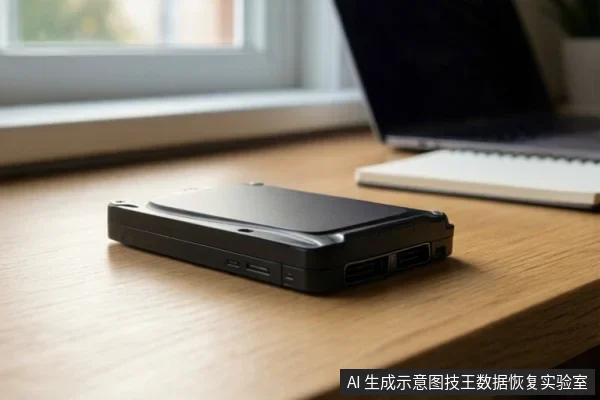
Seagate 320GB devices may be either mechanical hard drives (HDD) or solid-state drives (SSD), and their failure modes differ. HDDs rely on moving parts, so physical symptoms like clicking indicate mechanical failure that requires physical repair. SSDs use flash memory, and failures often involve controller locks or TRIM mechanisms that can erase data blocks. If an SSD enters a read-only or offline state, data recovery is more difficult and time-sensitive. In both cases, avoid any write operations, as SSDs may permanently delete data through garbage collection processes. Always verify the specific media type of your device before attempting any recovery steps.
When to Seek Professional Help
Seek professional help if the drive makes unusual noises, is not recognized by the system, or exhibits extreme latency. These are signs of physical or firmware-level failures that cannot be resolved with software. Professional labs have the tools to perform cleanroom repairs, firmware recovery, and safe data imaging. Do not attempt to open the drive or solder components yourself, as this will void any possibility of recovery. If the drive is stable and silent, you may attempt read-only software recovery, but if any instability occurs, stop immediately and consult a professional.
Frequently Asked Questions
Why is my Seagate 320GB drive showing as RAW or asking to format?
This usually indicates a logical file system corruption where the partition table or boot sector is damaged, but the data may still exist on the disk. Do not format; instead, use read-only recovery tools or seek professional imaging.
Is it safe to keep plugging in and unplugging the drive to see if it works?
No. Repeated power cycles can cause electrical stress to the controller or mechanical wear if it is an HDD. If the drive is unstable, stop immediately to prevent further damage.
What should I do if the drive makes a clicking sound?
A clicking sound typically indicates a mechanical failure in a hard drive (head or motor issue). Power it off immediately. Software recovery will not work and may cause permanent data loss. Professional cleanroom service is required.