
How Long Does SD Card Data Recovery Take? Logical vs. Physical Damage
Published 2026-09-09 | JiWang Data Recovery Technical Team
Immediate Safety Steps: Stop Writing and Power Cycles
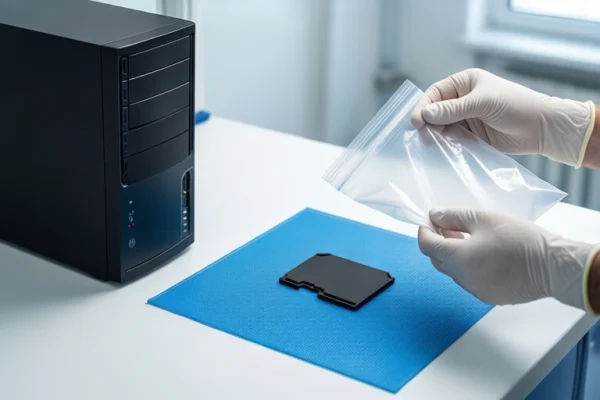
The most critical action when an SD card becomes unreadable is to stop using it immediately. Do not attempt to save new files, create folders, or run diagnostic software that writes to the card. Even viewing files can trigger background processes like thumbnail generation, which may overwrite existing data structures. If the card shows signs of physical damage—such as rust, a burnt smell, or physical deformation—do not power it on again. Repeated power-on attempts on a physically damaged card can cause short circuits, further damaging the NAND chips and making data unrecoverable. Instead, remove the card from the device and keep it in a dry, safe place until professional assessment.
Logical vs. Physical Failure: Impact on Recovery Time
The timeline for data recovery varies significantly based on whether the failure is logical or physical. Logical failures occur when the hardware is intact but the file system is corrupted, such as after accidental formatting or a 'Format required' prompt. In these cases, the data is often still present on the storage medium, but the index pointing to it is damaged. Professional logical recovery involves scanning raw data blocks to reconstruct files, a process that typically takes a few hours to one day. Physical failures involve damage to the hardware itself, such as water damage, corrosion, or chip failure. These require laboratory-level cleaning, capacitor replacement, or chip-off procedures. This process is more complex and usually takes 2 to 5 business days, depending on the severity of the damage and the need for specialized equipment.
Why 'Format Required' Does Not Mean Data Is Gone
When a computer prompts you to format an SD card, it often indicates a file system error rather than actual data deletion. The operating system detects that the file system structure is unreadable and suggests formatting to make the card usable again. However, formatting only updates the file system index; it does not immediately erase the underlying data blocks. If you have not yet clicked 'Format' or if the format process has not overwritten the data, recovery is still possible. Professional tools can bypass the damaged file system and scan the raw sectors to locate and reconstruct files. This is why it is crucial to stop using the card immediately after seeing such a prompt, as any new data written will overwrite the old data, making recovery significantly harder or impossible.
Realistic Timelines: Hours vs. Days
For logical issues, such as accidental deletion or file system corruption where the hardware is intact, recovery can usually be completed in a few hours to one day. This is because the process primarily involves software-based scanning and reconstruction, which is relatively fast. For physical damage, including water damage, corrosion, or chip failure, the timeline is longer. Laboratory-level testing, cleaning, and chip-off procedures are required, which typically take 2 to 5 business days. The exact time can vary based on the extent of the damage, the age of the card, and the lab's workload. In cases of severe physical damage, such as extensive corrosion or burnt components, the process may take even longer, and there is a higher risk of partial data loss or complete failure.
Common Misconceptions About DIY Software
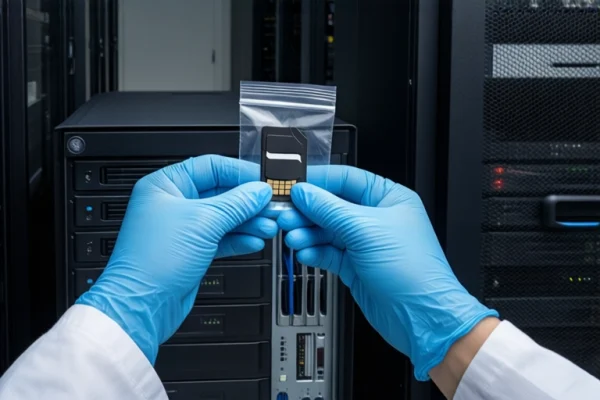
Many users attempt to use free data recovery software to recover data from an unreadable SD card. While these tools can be effective for simple logical errors, they often fail when the file system is severely damaged or when there is physical hardware failure. Free software typically relies on reading the visible file list, which may be corrupted or inaccessible. In such cases, deep data recovery requires low-level imaging technology, which is not available in most consumer-grade software. Additionally, running multiple software scans can interfere with residual data and potentially make recovery more difficult. If the card is not responding or shows signs of physical damage, DIY software is not only ineffective but may also worsen the situation by stressing the controller or causing further damage. In these cases, professional lab-level intervention is the safest and most effective option.
Frequently Asked Questions
My SD card says 'Format required'. Can I still recover my photos?
Yes, if you have not yet clicked 'Format' or if the format process has not overwritten the data, recovery is still possible. The 'Format required' prompt usually indicates a file system error, not actual data deletion. Stop using the card immediately and seek professional logical recovery, which involves scanning raw data blocks to reconstruct files.
How long does it take to recover data from a water-damaged SD card?
Recovery from a water-damaged SD card typically takes 2 to 5 business days. This is because the card requires laboratory-level cleaning, capacitor replacement, or chip-off procedures. The exact time depends on the severity of the corrosion and the need for specialized equipment. Do not power on the card, as this can cause short circuits and further damage.
Why can't free data recovery software find my files on the SD card?
Free data recovery software often fails on corrupted file systems because it relies on reading the visible file list, which may be damaged or inaccessible. Deep data recovery requires low-level imaging technology, which is not available in most consumer-grade software. Additionally, running multiple software scans can interfere with residual data and potentially make recovery more difficult. In such cases, professional lab-level intervention is the safest and most effective option.