
Western Digital Portable Hard Drive Unreadable: Safe Troubleshooting Steps
Published 2026-10-15 | JiWang Data Recovery Technical Team
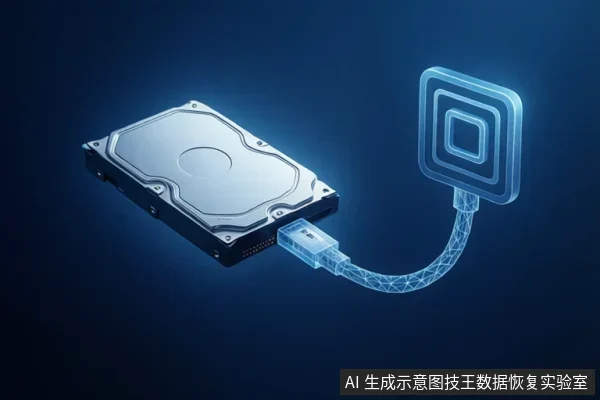
If your Western Digital mechanical portable hard drive is unreadable, immediately stop writing to it. Perform basic hardware checks like changing the cable or port. If the drive shows as RAW/Unallocated or makes clicking noises, do not format or initialize it. Logical errors may be recoverable, but physical damage requires professional intervention.
Immediate Actions and Basic Hardware Checks
External hard drives should be detected by the operating system without drivers or software updates under normal circumstances. If the drive is not recognized, the first step is to rule out connection issues. Try connecting the drive to a different USB port on the computer. If possible, use a different cable to ensure the signal and power are stable. Testing the drive on a different computer can also help determine if the issue is with the host system or the drive itself. Verify that the drive's indicator light is on; if it is not, the drive may not be receiving power.
Diagnosing Logical vs. Physical Failure
If the drive is detected but shows as RAW or Unallocated in Disk Management, it indicates a possible issue with the drive’s formatting or file system. This is often a logical error. However, if the drive is not detected in Device Manager and shows an error Code 10 after trying another cable and computer, the drive has probably failed physically. In this case, software recovery is not possible, and professional hardware intervention is needed. If the drive makes clicking or grinding noises, this is a sign of mechanical failure. Continued use can cause permanent data loss, so you must disconnect the drive immediately.
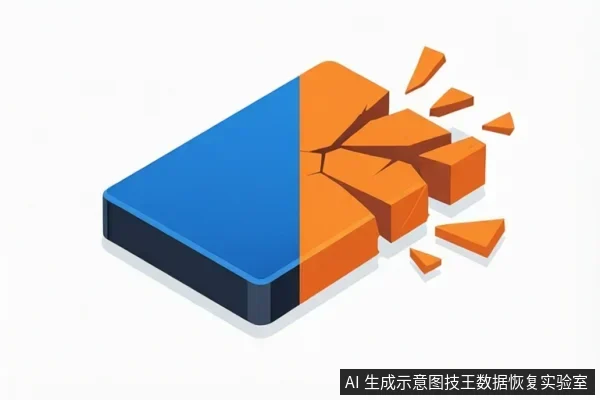
When to Stop and Seek Professional Help
Formatting a drive erases all data on the drive. If the drive shows as RAW, do not format it if you need the data. Instead, seek professional logical recovery. If the drive is not detected or shows an error Code 10, it has likely failed physically. Software recovery is not possible. Professional hardware intervention is needed. If the drive makes clicking sounds, immediately disconnect it. Clicking sounds often indicate mechanical failure (head crash). Continued use can cause permanent data loss. Professional physical recovery is required.
Frequently Asked Questions
What should I do if my Western Digital portable hard drive makes a clicking sound?
Immediately disconnect the drive to prevent further damage. This sound indicates a mechanical issue where software tools cannot safely access the platters. Do not attempt to spin it up again; professional physical recovery is the only safe option.
Is it safe to format the drive if it shows as RAW?
No. Formatting overwrites the file system structure, making previous data unrecoverable. Since RAW status implies the file system is already corrupted or missing, formatting will destroy any remaining readable data. Use professional logical recovery to attempt restoration without overwriting.
Can I recover data if the drive is not detected in Device Manager?
If the drive shows Error Code 10 after testing different cables and ports, it indicates a hardware failure that prevents the OS from communicating with the drive. Software recovery tools cannot function without this connection, so professional hardware intervention is required.