
Evaluating an NVMe SSD with Intermittent Detection Issues
Published 2026-08-28 | JiWang Data Recovery Technical Team
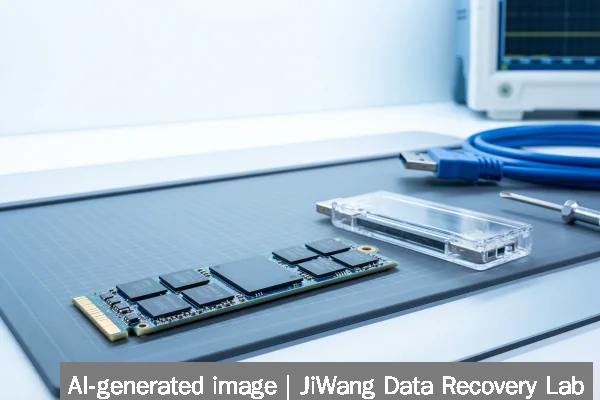
Intermittent NVMe SSD detection poses immediate risk of permanent data loss. Each failed enumeration or unexpected disconnection may trigger internal NAND remapping, wear-leveling recalculations, or controller firmware fallback states—processes that can overwrite pending metadata or corrupt logical-to-physical address tables. Stop all write operations immediately: do not initialize, format, run CHKDSK, flash firmware, or power-cycle repeatedly. Do not remove and reseat the drive while the system is running. The safest next step is to capture a full forensic image of the drive’s accessible logical sectors using read-only acquisition tools—only after confirming the host system consistently enumerates the device at the PCIe level and reports stable link width/speed in lspci -vv (Linux) or Device Manager > Properties > Details > Hardware Ids (Windows).
Symptoms and Risk
An NVMe SSD with intermittent detection typically exhibits one or more of these observable behaviors: disappearance from BIOS/UEFI boot menus between reboots; brief appearance in OS device managers followed by sudden removal without error logs; inconsistent visibility across cold vs. warm boots; or detection only after extended delays post-power-on. Unlike mechanical drives, NVMe devices lack audible cues—so absence of sound does not indicate safety. The primary risk is not just data inaccessibility, but silent corruption: modern NVMe controllers manage bad block reallocation, garbage collection, and encryption key binding internally. When detection fails mid-operation, the controller may abort pending writes, discard cached metadata, or reset its internal state—potentially invalidating file system structures or encryption context. Recovery becomes significantly less predictable once such events occur multiple times.
Known Facts
Intermittent NVMe detection is fundamentally a hardware-layer signaling issue—not a file system or partition table problem. Verified facts include: NVMe relies on PCIe link negotiation at boot time; detection failure before OS load points to physical layer (PCB traces, solder joints, slot contact), power delivery (12V/3.3V rail instability), or controller firmware initialization failure; NVMe SSDs do not support “low-level formatting” as understood for SATA drives; and all consumer and prosumer NVMe SSDs use onboard DRAM or HMB (Host Memory Buffer) for namespace mapping—both of which require stable PCIe enumeration to initialize correctly. No NVMe specification permits safe user-initiated firmware resets during active enumeration attempts.
Possible Causes
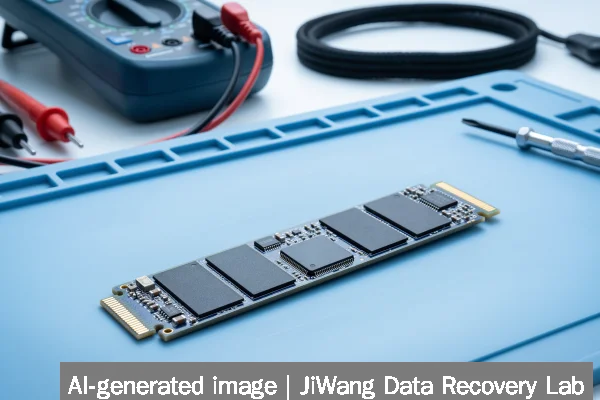
Causes fall into three tiers: electrical, mechanical, and firmware-related. Electrical causes include degraded voltage regulation on the motherboard’s M.2 slot, insufficient 3.3V standby power, or transient noise on the PCIe reference clock. Mechanical causes involve micro-fractures in the SSD’s PCB near the edge connector, thermal expansion-induced solder joint fatigue (especially on high-end PCIe 4.0/5.0 drives), or poor mating pressure in low-profile M.2 slots. Firmware-related causes are less common but include corrupted controller microcode, failed secure erase residue, or incompatibility with UEFI version or ACPI tables. None of these can be diagnosed definitively via software tools alone—each requires controlled physical testing under lab conditions.
Safe Checks
Perform only these non-invasive checks: verify detection status across multiple cold boots (power off completely, wait 10 seconds); inspect M.2 slot and SSD connector for visible debris or bent pins; test the same SSD in another known-good M.2 slot on the same motherboard (if available); confirm stable PCIe link width/speed using lspci -vv output (look for “LnkSta” and “Speed” fields); and monitor system event logs (journalctl -u systemd-udev-settle on Linux, Windows Event Viewer > System log for “nvme” or “PCIe” errors). If the drive appears briefly, capture SMART data using sudo nvme smart-log /dev/nvme0—but only if the device node persists long enough to complete the command without timeout. Never force retry loops.
Actions to Avoid
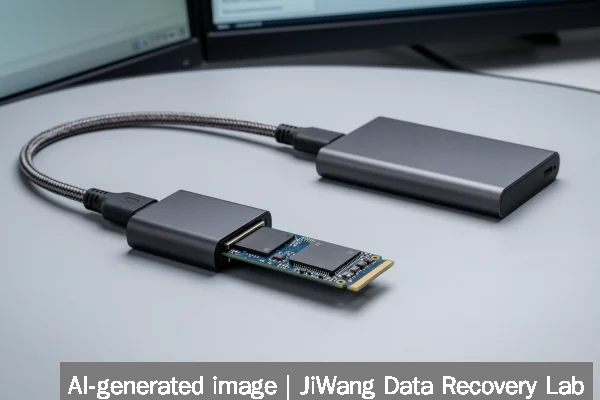
Avoid all actions that induce further stress or write activity: do not use diskpart, diskutil, or fdisk to “rescan” or “clean” the device; do not attempt firmware updates—even if the manufacturer offers a “recovery mode” utility; do not open the SSD enclosure or apply heat/cold to the NAND package; do not short pins or manipulate voltage rails manually; do not install third-party NVMe drivers or disable ASPM/L1PM power management in BIOS unless instructed by motherboard vendor documentation; and do not assume RAID or virtual machine abstraction layers provide redundancy—NVMe detection failures affect the entire controller stack below those layers. These actions risk irreversible NAND damage or controller lockup.
Diagnostic Limits
Software-based diagnostics cannot assess solder joint integrity, trace continuity, capacitor ESR degradation, or NAND die-level ECC exhaustion. Tools like CrystalDiskInfo, SMARTmontools, or vendor utilities report only what the NVMe controller chooses to expose via the Identify Controller and Identify Namespace commands—and intermittent controllers often suppress or truncate this data. PCIe analyzer traces require specialized hardware and interpretation expertise. Thermal imaging, X-ray inspection, and boundary scan testing are outside the scope of field diagnostics. Therefore, consistent detection failure after safe checks indicates physical-layer involvement, and no remote or software-only resolution exists beyond read-only imaging—if the device remains temporarily accessible.
Frequently Asked Questions
Can I recover data by connecting the NVMe SSD to another computer?
Only if the second system detects the drive reliably and identically to the first. Cross-platform detection (e.g., moving from Windows to Linux) does not bypass underlying hardware faults. If the SSD fails enumeration on multiple hosts, the issue is almost certainly physical—not OS- or driver-related. Attempting repeated connections risks accelerating failure.
Does TRIM or secure erase cause intermittent detection?
No—TRIM is a logical command issued by the OS to inform the SSD which blocks are no longer in use; it does not alter physical connectivity. However, a failed secure erase operation (especially one interrupted by power loss) can leave the controller in an undefined state, sometimes manifesting as detection instability. That state is not recoverable via user tools.
Is there any way to tell if the problem is the motherboard slot or the SSD itself?
Not conclusively without substitution testing. A working SSD in the suspect slot rules out the slot. A suspect SSD failing in multiple known-good slots strongly indicates SSD failure. But shared symptoms—like inconsistent link speed negotiation—can stem from either side. Motherboard BIOS updates sometimes resolve compatibility issues, but flashing carries its own risk and should not be attempted until physical inspection is complete.
Why doesn’t cloning software work when the drive appears intermittently?
Cloning tools require sustained, uninterrupted access to the device’s logical block addresses. Intermittent detection breaks the I/O pipeline mid-transfer, causing timeouts, incomplete sector reads, and checksum mismatches. Even sector-by-sector copy tools will halt or produce unusable output if the device vanishes during acquisition. Stable enumeration is a prerequisite—not an optional condition—for reliable imaging.
Can NVMe SSDs be repaired if the controller fails?
Controller replacement is technically possible only in lab environments with matching donor boards, firmware extraction tools, and NAND mirroring capabilities. It is not a field-serviceable procedure. Consumer SSDs integrate controller, NAND, and firmware tightly; swapping components without exact revision matching usually results in total inaccessibility. data recovery, when feasible, relies on reading raw NAND chips—not repairing the controller.