
Lexar Muse Portable SSD Implications for Data Backup Safety
Published 2026-09-05 | JiWang Data Recovery Technical Team
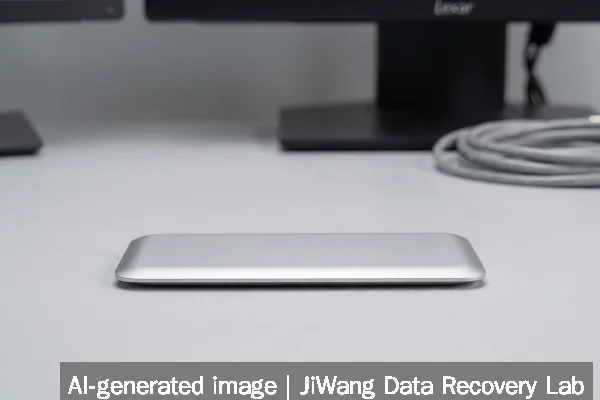
If your Lexar Muse portable SSD fails to mount, shows no power, or disconnects unexpectedly, stop using it immediately. Do not attempt to force the SnapLink connector, reseat magnets repeatedly, or connect it to multiple hosts in rapid succession—these actions risk triggering controller-level write operations or voltage instability that may corrupt NAND mapping tables. Unplug the device and leave it powered off. The safest next step is to consult a qualified data recovery specialist who can assess whether the issue stems from magnetic interface misalignment, pogo-pin corrosion, or internal NAND/controller failure—without performing any writes to the drive.
Symptoms and Risk
The Lexar Muse’s ultra-thin profile (3.8 mm max thickness, tapering to 1 mm) relies on a proprietary SnapLink magnetic pogo-pin interface instead of a standard USB-C port. This design introduces distinct failure modes not seen in conventional portable SSDs. Common symptoms include intermittent detection, sudden disconnection during transfers, complete non-recognition across multiple hosts, or visible physical resistance when attaching the magnetic cable. Unlike traditional SSDs, these issues may originate outside the NAND or controller—such as magnet misalignment shifting pin contact points, oxidation on exposed pogo pins, or inconsistent voltage delivery due to the absence of USB-C’s standardized power negotiation. Because the interface lacks hot-plug robustness and error-recovery protocols built into USB-C, even brief connection instability can interrupt firmware handshakes and compromise logical volume integrity.
Known Facts
Based on verified reporting from IFA 2026 coverage, the Lexar Muse is confirmed to use a custom magnetic pogo-pin connector (SnapLink) with N52-grade neodymium magnets and a separate detachable cable ending in USB-C. It does not contain a physical USB-C receptacle. Its form factor eliminates structural reinforcement typically found around ports, making the connector assembly more vulnerable to mechanical stress and particulate intrusion. The device targets mobile creators and relies on host-side USB-C power delivery without onboard voltage regulation redundancy. No public documentation confirms support for NVMe over USB (UFS or UASP), TRIM passthrough, or vendor-specific diagnostic utilities. Firmware update mechanisms, if present, are not disclosed in available sources—and no field reports confirm user-accessible recovery modes.
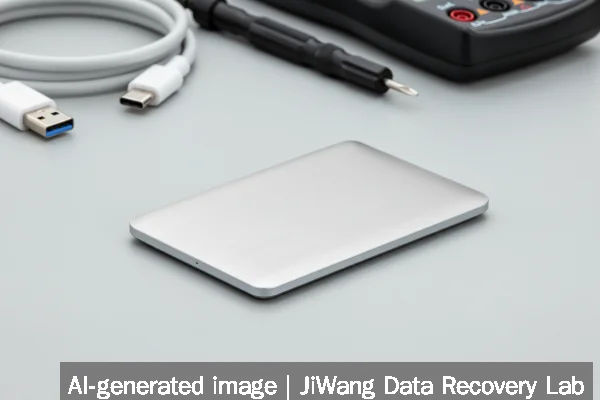
Possible Causes
Failure to mount or erratic behavior may stem from several non-exclusive causes. Physical causes include magnet displacement altering pin alignment, microscopic debris bridging or insulating pogo contacts, or flex-induced microfractures in the thin PCB near the connector zone. Electrical causes may involve unstable 5V delivery from the host or cable, leading to controller brown-out resets that corrupt volatile mapping caches. Logical causes—less common at first failure but possible after repeated unsafe ejection—include corrupted LBA-to-physical-page translation tables or damaged FTL metadata due to interrupted write cycles. Importantly, none of these causes can be reliably isolated through software diagnostics alone: OS-level tools like diskutil (macOS) or diskpart (Windows) report only high-level visibility, not interface-layer health or NAND wear distribution.
Safe Checks
Before seeking professional help, perform only passive, read-only assessments. First, inspect the Muse’s edge for visible debris or discoloration near the pogo-pin strip; use a dry, lint-free cloth—never compressed air or solvents. Next, test with the original magnetic cable only; third-party USB-C cables—even certified ones—may lack the precise magnetic coupling geometry needed for stable SnapLink engagement. Try connection on a single, known-stable host (e.g., a recent MacBook Pro or Windows laptop with native USB-C PD support), avoiding hubs, docks, or extension cables. Observe system logs (system_profiler SPUSBDataType on macOS, Device Manager > View > Devices by Connection on Windows) for repeated “device reset” or “enumeration failed” entries—these suggest physical or electrical layer instability, not logical corruption. If the drive appears briefly then vanishes, do not retry more than twice: further attempts increase risk of controller-initiated garbage collection or bad-block remapping.
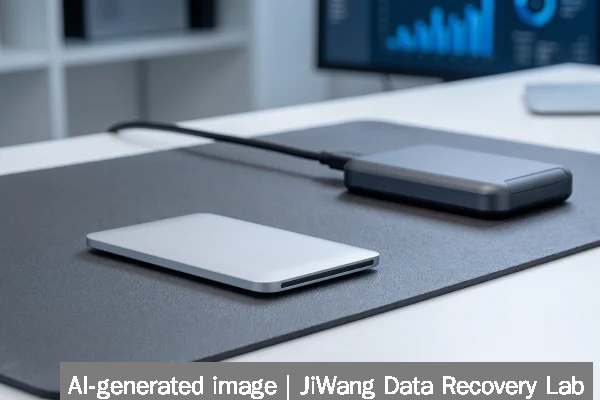
Actions to Avoid
Avoid all operations that initiate writes or alter drive state. Do not run CHKDSK, fsck, Disk Utility First Aid, or any “repair” utility—even in read-only mode, some tools trigger background metadata scans that induce controller activity. Never initialize, format, or repartition the device. Do not attempt firmware updates, factory resets, or hidden key-combo resets (e.g., holding buttons during power-on), as these are undocumented for the Muse and could overwrite critical boot ROM sectors. Refrain from opening the enclosure: the Muse’s laminated construction makes disassembly destructive, and exposing NAND chips to ambient humidity or static risks irreversible damage. Avoid connecting to RAID controllers, NAS systems, or virtualized environments—these layers add abstraction that masks low-level interface errors and may trigger automatic rebuilds or sync attempts.
Diagnostic Limits
Standard diagnostic tools cannot assess SnapLink interface health, pogo-pin contact resistance, or magnetic alignment tolerance. Vendor-agnostic utilities like CrystalDiskInfo report only SMART attributes relayed via USB bridge IC—not native NVMe SMART—and the Muse’s bridge firmware may not expose full attribute sets. Thermal sensors, if present, are inaccessible externally; overheating due to poor pin contact may occur without triggering OS thermal throttling alerts. NAND wear leveling status, bad block counts, and spare block availability remain opaque without Lexar’s proprietary diagnostic suite—which is neither publicly released nor confirmed to exist for the Muse. Physical diagnosis requires controlled lab conditions: micro-CT imaging to verify solder joint integrity, multimeter-based continuity testing of individual pogo pins, and oscilloscope analysis of VBUS stability during magnetic attachment—all beyond consumer capability.
Frequently Asked Questions
Can I recover data from a Muse SSD using standard cloning tools?
No. Standard cloning tools (e.g., dd, Clonezilla, Macrium Reflect) require stable, continuous block-level access. The Muse’s magnetic interface introduces latency spikes and session drops that break cloning streams, often resulting in incomplete or corrupted images. Even if a partial image is captured, missing FTL metadata may render it logically unreadable without reconstruction expertise.
Does the Muse support hardware encryption or password protection?
No verified source confirms hardware-based encryption or user-set passwords for the Muse. Lexar’s press materials emphasize aesthetics and portability—not security features. Absent explicit documentation, assume no transparent encryption layer exists. That means logical recovery—if the controller responds—is possible without decryption keys, but also implies no built-in ransomware mitigation.
Is cloud backup sufficient if my Muse fails?
Cloud backup is only sufficient if it was configured for continuous, versioned, immutable backups *before* failure—and if those backups exclude the Muse as a source device. Relying solely on the Muse for local capture without upstream redundancy violates the 3-2-1 rule. Omdia’s 2026 study notes that 83% of organizations hit by ransomware lacked immutable offsite copies, underscoring why the Muse should never serve as a sole or primary backup target.
Will updating my OS or drivers fix Muse recognition issues?
Unlikely. Recognition failures tied to SnapLink are hardware-interface issues, not driver compatibility problems. macOS and Windows treat the Muse as a generic USB mass-storage device; no Muse-specific drivers are published. OS updates may change USB enumeration timing or power management, potentially worsening instability—not resolving root causes.
How does the Muse compare to traditional SSDs in recovery feasibility?
Recovery feasibility is lower. Conventional portable SSDs use standardized USB-C interfaces with mature diagnostic toolchains and predictable failure hierarchies (e.g., bridge IC vs. NAND). The Muse’s proprietary interface adds an untested, nonstandard layer where failure may reside entirely outside recoverable NAND or controller domains—making some faults irrecoverable without Lexar’s internal tooling or replacement parts, neither of which are available to third parties.