
SanDisk Pokémon USB-C Drives and SSDs for Data Backup Safety
Published 2026-08-30 | JiWang Data Recovery Technical Team
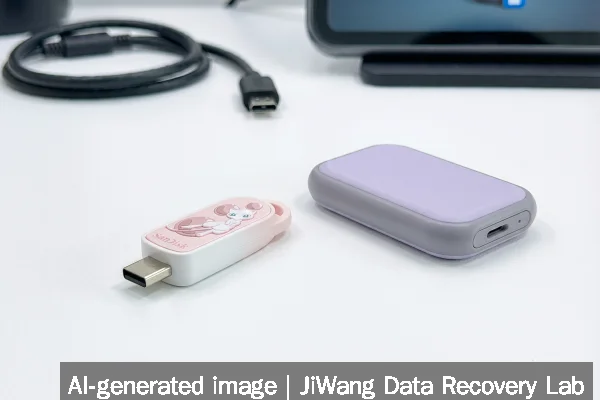
If your SanDisk Pokémon-themed USB-C flash drive or portable SSD fails—showing no response, unrecognized device errors, or sudden data loss—the immediate risk is accidental overwriting during troubleshooting. Stop using the device now. Do not plug it into another system to “test” functionality, and do not run disk repair tools, formatting utilities, or firmware updates. The safest next step is to power it down completely, disconnect it, and assess whether the failure involves logical corruption (e.g., file system errors) or physical damage (e.g., unresponsive controller, abnormal heat, or audible clicking). If the device powers on but does not mount, avoid write operations entirely; if it does not power on at all, do not attempt DIY power fixes. Preserve the original state for professional evaluation.
Symptoms and Risk
SanDisk Pokémon-branded USB-C flash drives and portable SSDs share the same underlying hardware architecture as their non-themed counterparts—but with added external design elements like molded 2D character shells. When failure occurs, symptoms fall into two broad categories: logical and physical. Logical symptoms include the drive appearing as “RAW” in Windows Disk Management, mounting without visible files, or triggering repeated “format this drive?” prompts. Physical symptoms include no LED activity, intermittent connection drops, unusual warmth during brief operation, or complete absence of enumeration in Device Manager—even after trying multiple cables and ports. The primary risk is misdiagnosis: treating a physically damaged controller or NAND wear-out as a simple file system issue. Because these are consumer-grade devices, they lack enterprise-level error correction, redundancy, or diagnostic interfaces. Any attempt to force access—especially via automated recovery tools—may overwrite critical metadata needed for later reconstruction.
Known Facts
The SanDisk Pokémon USB-C Flash Drive Mew Edition and Pokémon Portable SSD Mewtwo Edition were announced at Gamescom 2026 in Cologne, Germany, as officially licensed collectible storage products celebrating the franchise’s 30th anniversary. The Mew Edition is a USB-C flash drive with capacities up to 128 GB. The Mewtwo Edition is a portable SSD, implying use of NAND flash memory and an internal controller, likely based on SanDisk’s standard portable SSD platform. Both devices use USB-C connectors and are designed for plug-and-play compatibility with modern hosts. They are not rated for industrial, surveillance, or NAS workloads—unlike SanDisk’s dedicated NAS SSD lines (e.g., NAS 600 and NAS 800 families) or Toshiba’s S300 AI Surveillance drives. Their firmware is closed and not user-updatable via public tools. No official endurance ratings (TBW), operating temperature ranges, or shock resistance specifications were published in the source material.
Possible Causes
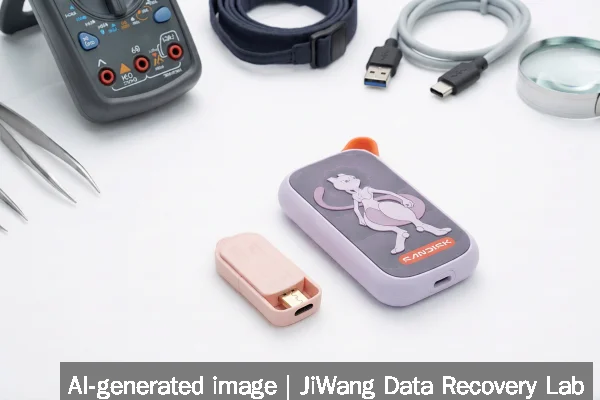
Failure in these devices may stem from several distinct layers. At the NAND level, wear leveling exhaustion or bad block accumulation can cause silent corruption or sudden read failures—especially after prolonged use or frequent small-file writes. At the controller level, firmware bugs, power-interruption-induced corruption, or voltage instability during hot-plug events may prevent proper initialization. The USB-C interface itself introduces additional points of failure: bent or contaminated pins, incompatible cable signaling, or host-side port driver conflicts. External factors—including thermal stress from extended operation inside a confined space (e.g., a backpack pocket), mechanical impact to the molded shell, or exposure to humidity—can degrade solder joints or flex circuits. Importantly, none of these causes are unique to the Pokémon branding; the theme adds no functional risk, but also provides no engineering advantage over standard models.
Safe Checks
Before any intervention, perform only passive, read-only assessments. First, verify basic electrical behavior: connect the device to a known-good USB-C port using a certified USB-IF cable. Observe whether the host detects it at all—check Device Manager (Windows), system_profiler SPUSBDataType (macOS), or lsusb (Linux). Note whether the device appears under “Universal Serial Bus devices” even if no volume mounts. Second, listen carefully: no audible coil whine, ticking, or buzzing indicates the controller is likely not catastrophically failed. Third, gently feel the casing—no excessive heat within five seconds of connection suggests no short circuit or regulator failure. Fourth, try the device on a second host with a different OS. If it behaves identically across systems, the issue is likely internal—not driver-related. None of these checks involve writing data, altering firmware, or executing repair commands.
Actions to Avoid
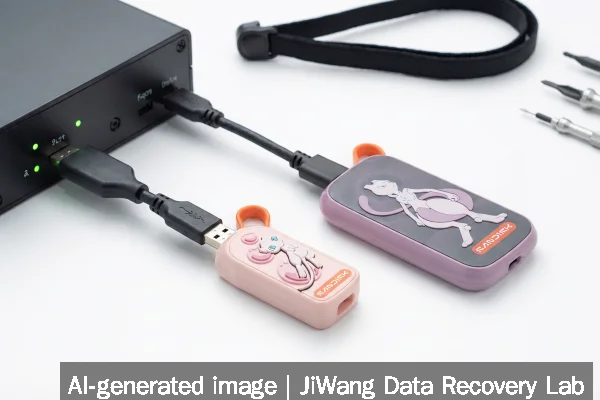
Avoid all operations that modify on-device structures. Do not initialize the drive in Disk Management. Do not run CHKDSK, fsck, or similar file system checkers unless you have first imaged the entire raw device surface. Do not reformat, assign a new drive letter, or enable write caching. Do not attempt to update firmware using SanDisk’s SSD Dashboard or other utilities—these tools are unsupported for themed consumer drives and may brick the device. Do not open the casing: the internal PCB is not user-serviceable, and static discharge or physical handling can destroy NAND chips or controller ICs. Do not repeatedly power-cycle the device hoping for recovery—it increases wear on already degraded cells and may accelerate controller lockup. For SSDs specifically, avoid TRIM-enabled operations or secure erase commands, which permanently discard mapping tables essential for logical reconstruction.
Diagnostic Limits
Consumer USB-C flash drives and portable SSDs lack standardized diagnostic interfaces. Unlike enterprise NVMe SSDs or NAS-optimized drives (e.g., SanDisk NAS 800 or Toshiba S300 AI), they do not expose SMART attributes through standard USB Attached SCSI (UAS) translation layers in a reliable or complete way. Host-based tools may report generic “media error” or “I/O device error” messages without indicating whether the fault lies in NAND, controller firmware, USB bridge logic, or physical interconnect. Thermal sensors—if present—are not exposed to the host. There is no way to distinguish between a corrupted FAT32/ExFAT superblock and a failing NAND die using software alone. Physical diagnosis requires specialized hardware: a USB protocol analyzer to inspect enumeration traffic, NAND readers capable of bypassing the controller, or controlled voltage probing. These steps fall outside safe user capability and require lab-grade equipment and cleanroom practices.
Frequently Asked Questions
Can I recover data from a non-mounting SanDisk Pokémon USB drive myself?
You can attempt read-only imaging using tools like ddrescue (Linux/macOS) or HDDRawCopy (Windows), but only if the device is detected at the block level—even without a mounted volume. If the drive does not appear in disk enumeration tools, imaging is not possible without physical intervention. Success depends entirely on whether the controller responds to basic SCSI/USB mass-storage commands. No software can reconstruct data if the NAND is electrically inaccessible.
Does the Pokémon theme affect reliability or recovery chances?
No. The theme applies only to external casing and labeling. Internal components—NAND flash, controller, USB bridge chip, and firmware—are identical to standard SanDisk consumer drives of the same model family and capacity. Recovery feasibility depends solely on hardware condition and failure mode, not aesthetic design.
Is it safe to use these drives for backups?
They are suitable for occasional, non-critical backups—provided you follow the 3-2-1 rule: three copies, two media types, one offsite. However, they lack features found in purpose-built backup devices: no built-in encryption key management, no scheduled sync, no versioned snapshots (unlike QNAP QuTS MEGA 2.0), and no integration with enterprise backup platforms like Backblaze + Jamf. Treat them as convenient transport media—not primary or sole backup targets.
What makes SanDisk NAS SSDs different from Pokémon portable SSDs?
SanDisk NAS SSDs (e.g., NAS 600 and NAS 800) are engineered for 24/7 operation in multi-drive environments. They support higher endurance (e.g., 2,500 TBW), vibration resistance, power-loss protection, and RAID-aware firmware. They use SATA or PCIe 5.0 interfaces directly—not USB-C bridges—and expose full SMART data. Pokémon portable SSDs use USB-C as a transport layer, adding latency and abstraction that limits low-level access and diagnostic visibility.
Should I replace a failed Pokémon drive with the same model?
Only if your use case matches its design intent: light-duty, portable, short-term storage. For mission-critical or archival needs, consider drives with published endurance ratings, warranty support for workload intensity, and compatibility with verified backup workflows. The Pokémon edition offers no technical advantage—and no disadvantage—beyond its collectible value.